August 28th, 2026
New
Improved
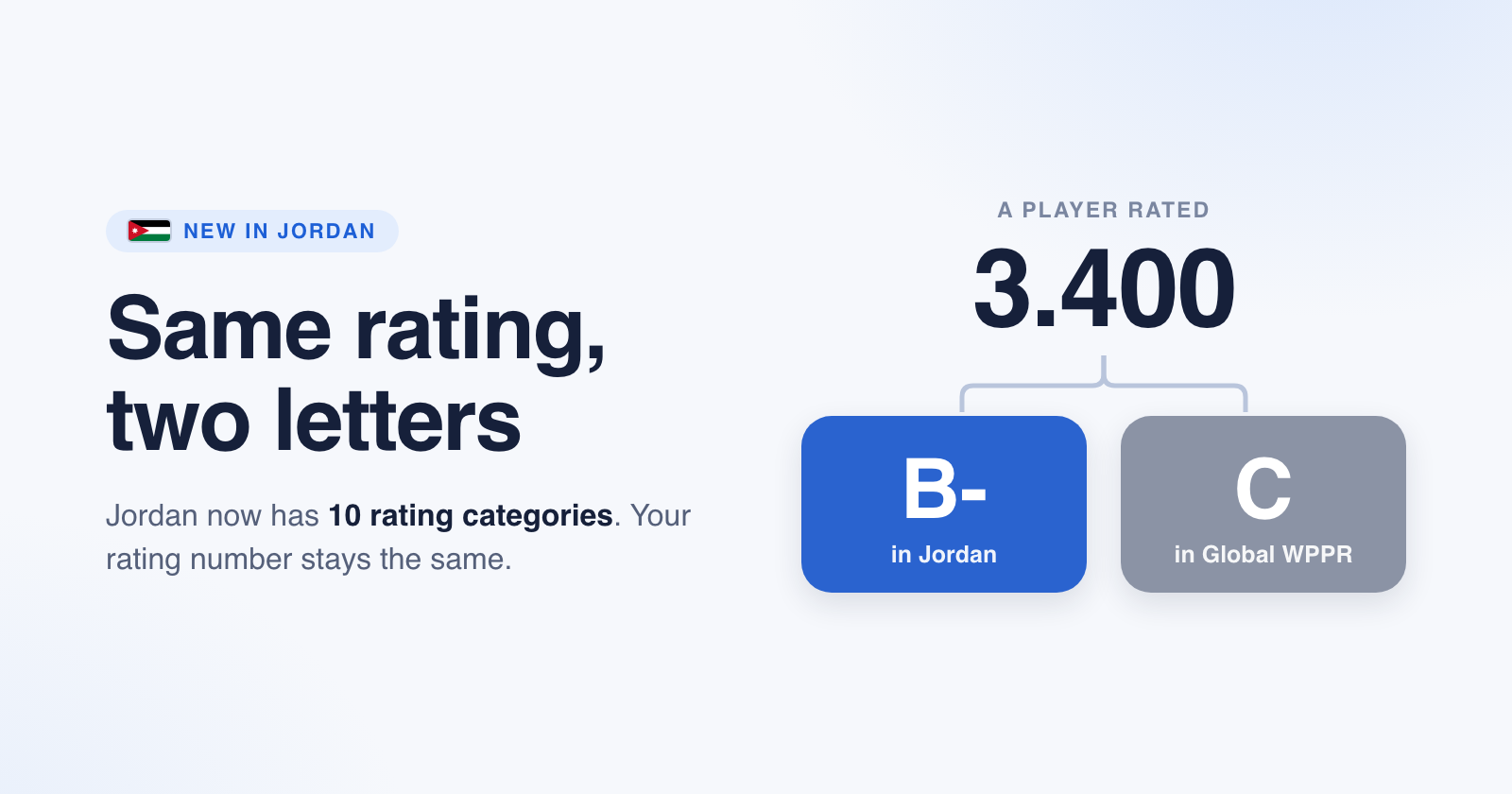
If you play in Jordan, your WPPR rating has been showing a number and nothing else. You now get a letter with it, and Jordan has ten categories instead of four.
What was wrong
Jordan had four letters: D, C, B and A. A single Jordan "C" covered 1.5 rating points and reached across three whole global letters, so players of clearly different standard all shared the same one. It said very little about your level, so we were hiding it and showing only the number.
What changed
Jordan now has ten categories: D-, D, D+, C-, C, C+, B-, B, B+ and A. They come from the exercise Jordan's organisers ran this month, going through the country's rated players one by one and placing each of them by hand. The letters mean something now, so we have stopped hiding them.
Your rating number has not changed. Nothing was recalculated. Only the letter that describes it is new.
Same rating, two different letters
Every country uses the global WPPR letters. Jordan also has its own. Both use the same rating numbers, so one rating gets two different letters, and the Jordan letter is usually one step higher.
A player rated 3.400 is B- in Jordan and C in global WPPR. Same player, same rating.
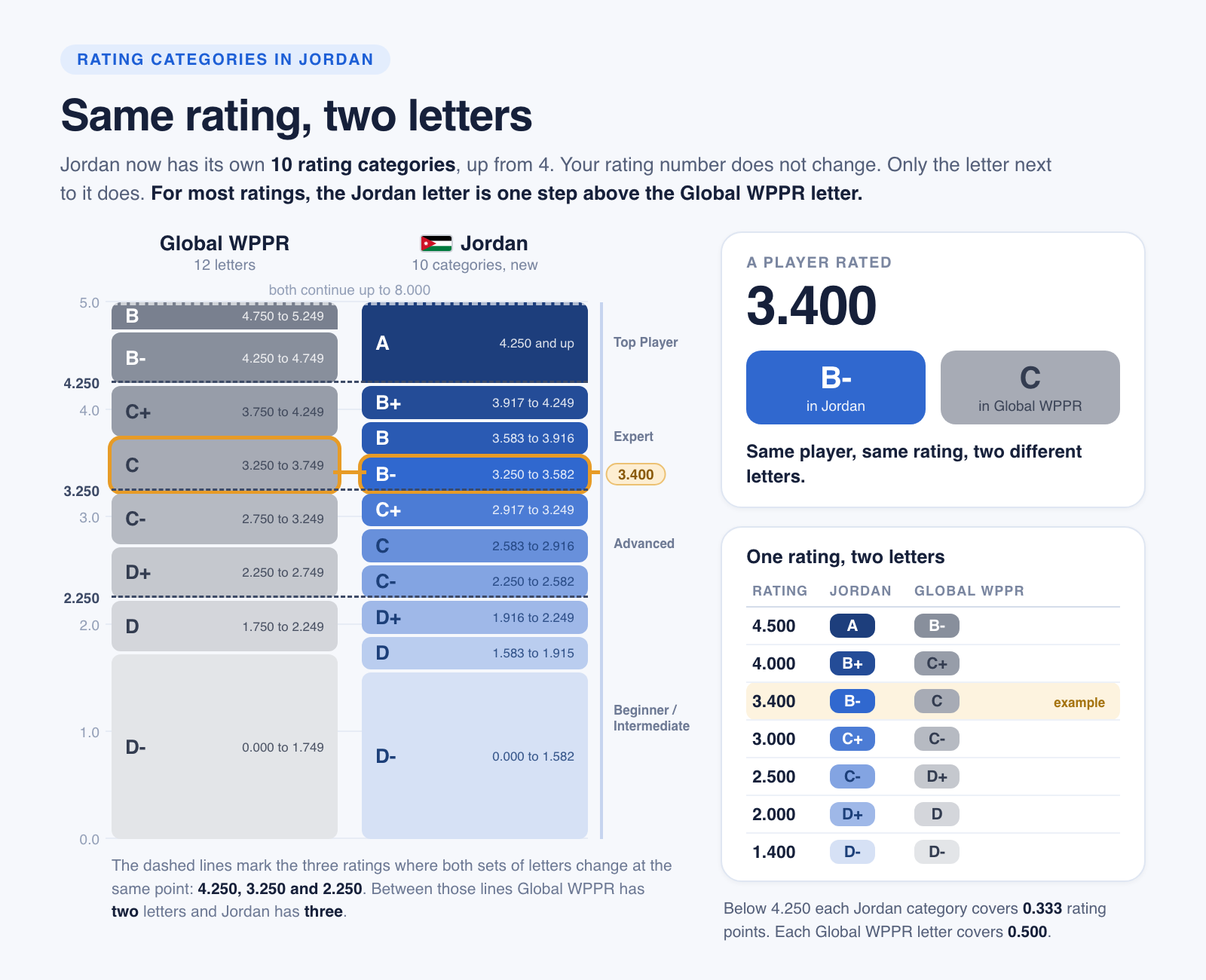
The two scales meet exactly at three ratings: 4.250, 3.250 and 2.250. Between those lines global WPPR has two letters where Jordan has three, which is why the Jordan letters are finer.
What you will see
Look for the small country button at the top of the page, right next to the WeCourts logo. It reads Global with a globe on it, or JO with the Jordan flag. Tap it and pick a country.
On Jordan, every rating shows its Jordan letter.
On Global, the same rating shows its global letter.
The letter follows the country you are reading in, not the player. That is on purpose. The rating number is the real thing, and the letter is a way of reading it on whichever scale you know.
Where to find it
Open wecourts.com/players, or any player profile, and set that country button to Jordan.
August 20th, 2026
Improved
If you are a woman who mostly plays with or against men, most of your verified matches were not eligible for your rating. That is now fixed.
What was wrong
When a match had both men and women on court, the rating system treated it as a mixed doubles match. Mixed doubles is not eligible, so the match was dropped.
Most of these were verified matches, played with whoever was on court that day. They were being thrown away for no good reason. One player had only 3 of her 43 matches eligible, so her rating could never move.
What changed
Your verified matches are now eligible, whoever you play with or against.
An example
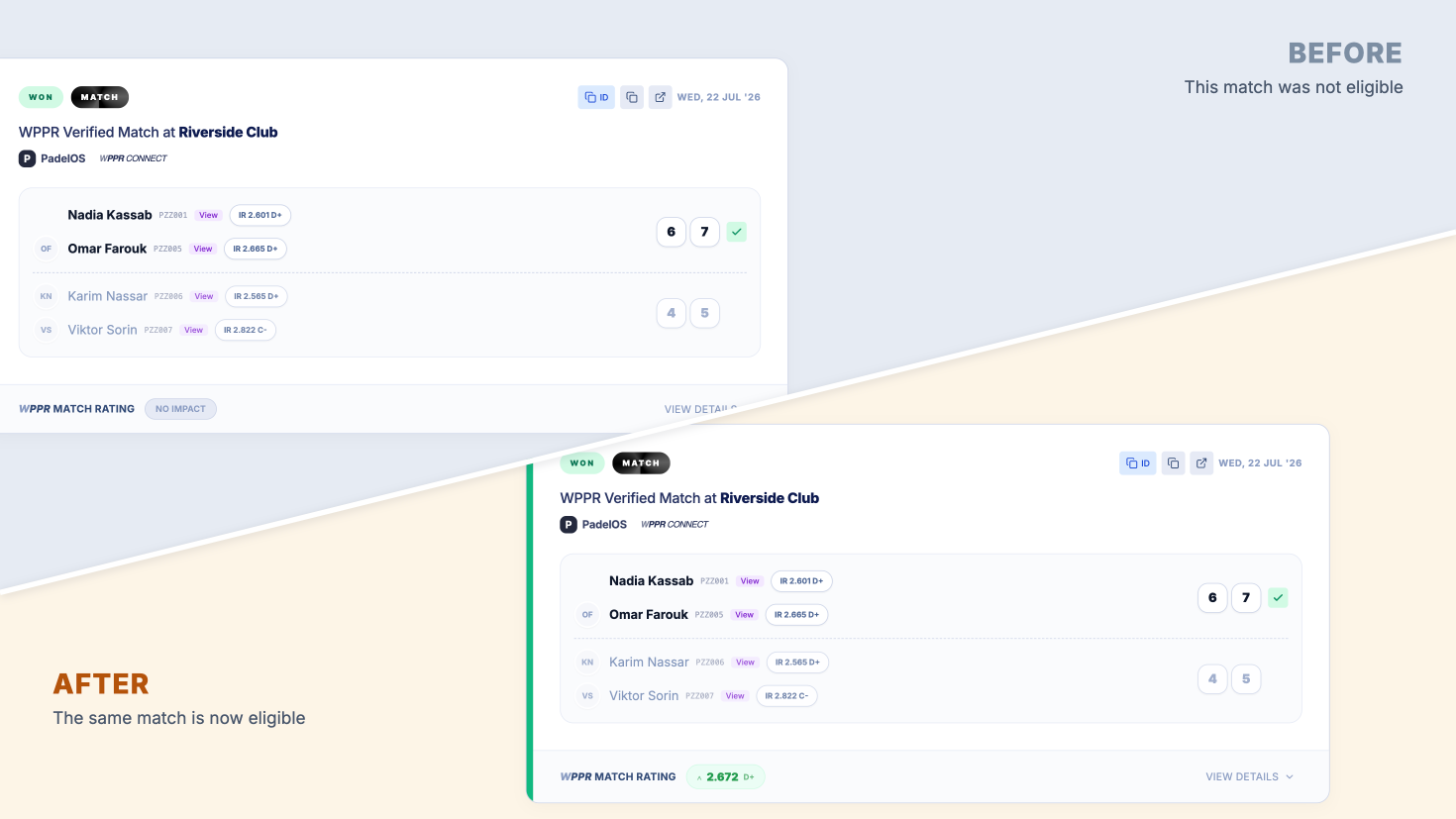
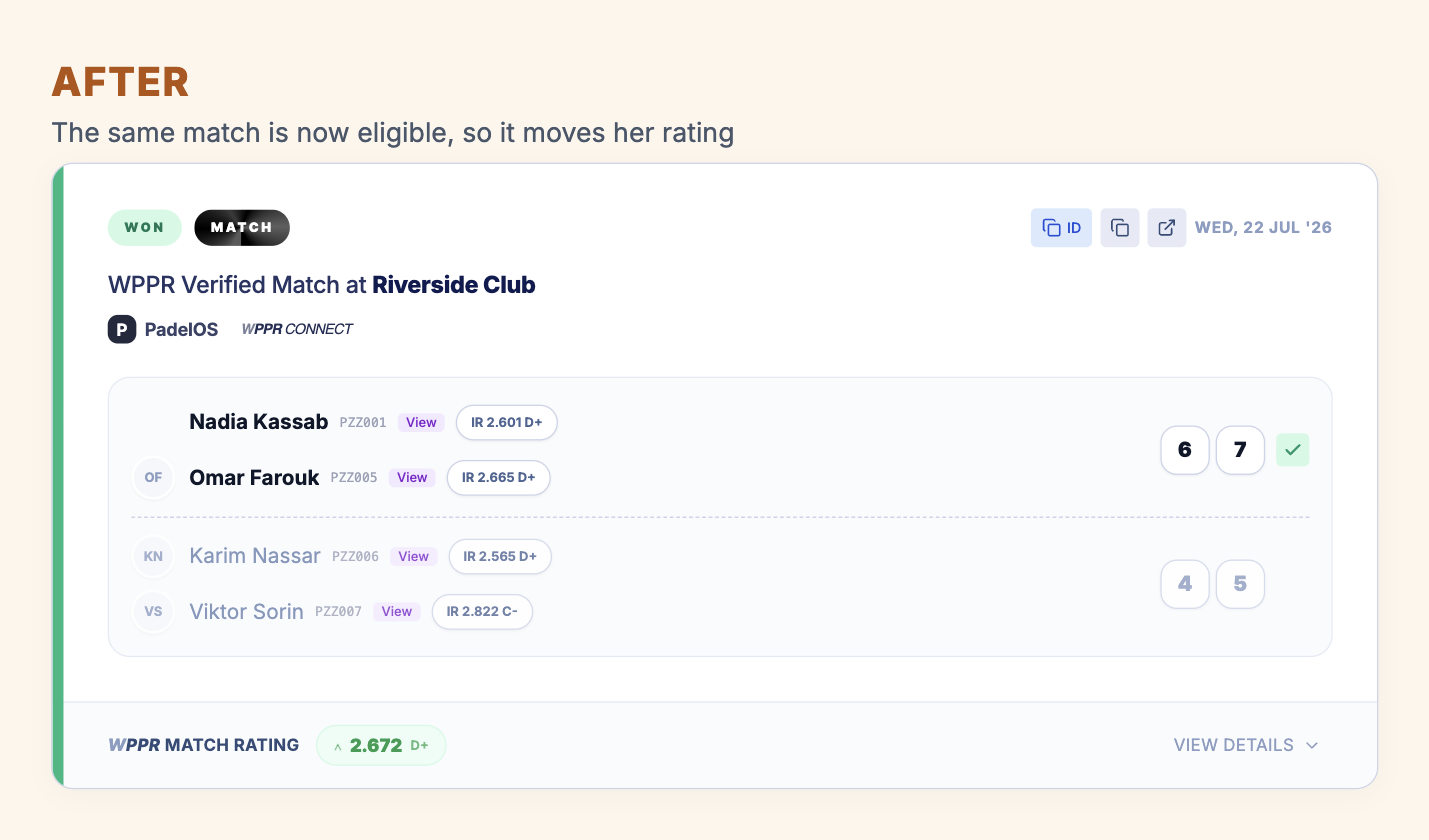
Here is the same match, before and after. Nothing about the match changed. Only whether it was eligible.
Before, the match was not eligible, so it never moved her rating.
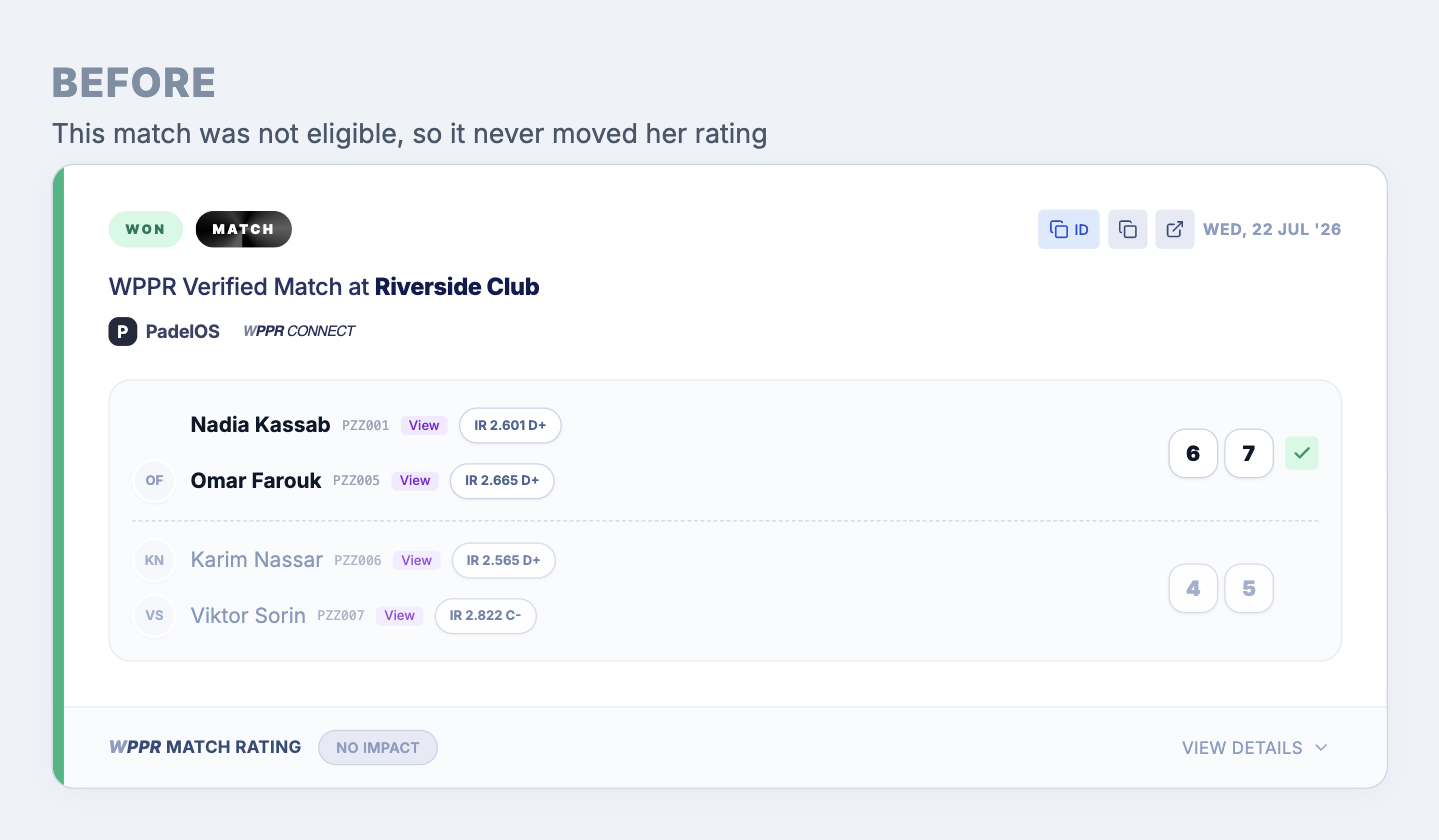
After, the same match is now eligible, so it moves her rating.
What did not change
Competitive tournaments are not affected. If men and women played together in a tournament, those matches are still not eligible, the same as before.
What you will see
Open your profile and look at Match History. Verified matches that used to show No impact should now show a rating. If you have enough of them, you will get a published rating where you may not have had one before.
Your rating may move up or down. It is now based on how you actually play.
August 10th, 2026
New
Improved
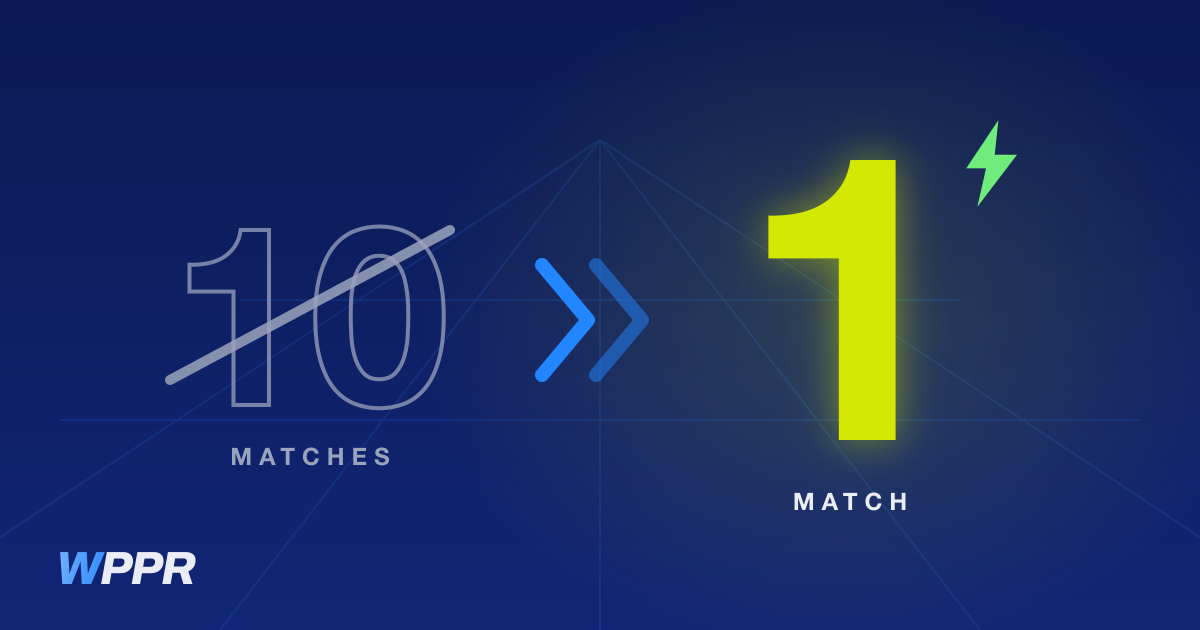
Your first rating can come from a single match
A new player used to need 10 matches before getting a rating. One match is now enough, as long as the other three players on court all have an AR (Accurate Rating) and the match was competitive.
The rating shows up the next day. If you have other eligible matches, your first rating is the average of all of them.
What makes a first match competitive
This applies only to a new player's first rating. It does not change how existing ratings are calculated.
It does not matter whether you won or lost. What matters is how many games the losing team managed to take in their best set. A 6-0 says just as little about your level when you win it as when you lose it.
One set played
Two sets played
Only the losing team's better set counts, so one bad set does not rule the match out.
Three sets played
Always eligible. Going the distance is evidence enough.
One-sided matches between four AR players are now eligible
The rule above is about a new player's first rating. This one is different. When everyone on court already has an AR, a one-sided score is real information about the level gap, so the match now counts in both directions, however lopsided it was. It stays ineligible when someone on the other team does not have an AR yet.
Playing with a partner at a different level
When you and your partner are far apart in level, the result says less about how well you played, so the match should count for less. That idea is not new. How it worked was the problem.
Before, a match like this could be marked eligible, use up one of the matches in your rating cycle, and then move your rating by zero. You played it, it took a slot, and nothing changed.
Losing was the worst case: a loss with an unrated partner moved you by nothing while a win moved you up a little, so your rating could only ever drift upward.
That is fixed. A match now does one of two things, and there is nothing in between:
It counts for less. The bigger the level gap between you and your partner, the smaller the effect on your rating. It always moves your rating by something, and it treats wins and losses the same way.
It does not count at all. If the gap is very large the match is ineligible. It does not touch your rating, and it does not use up a slot in your cycle.
The case that made no sense is gone: eligible, uses a slot, changes nothing.
August 10th, 2026
New
Improved
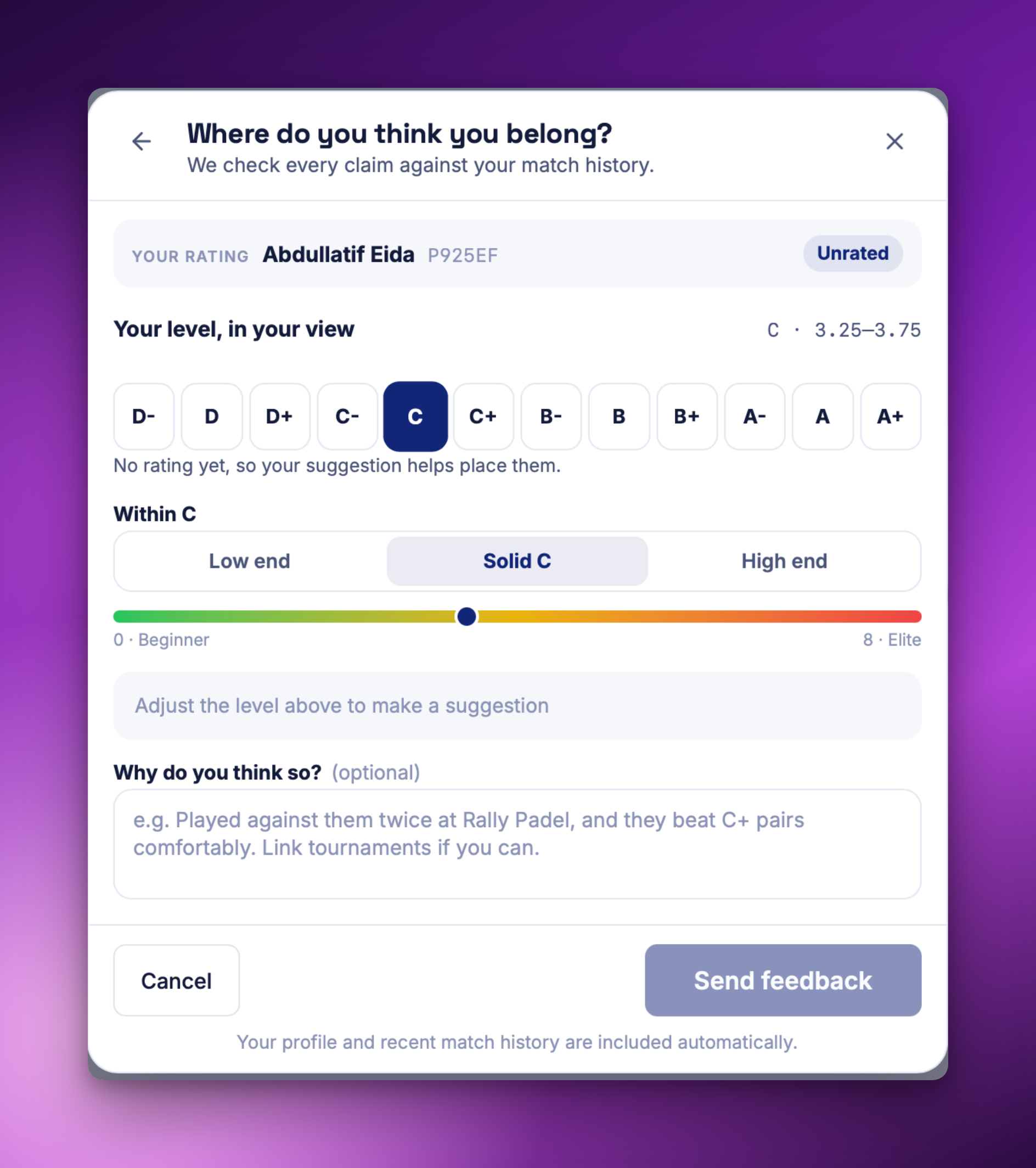
Something on WPPR looks off? You can now say so from any player profile, yours included. Pick what is wrong, and where a rating is the problem you place the player on the ladder yourself.
Say where you think someone belongs. Choose the letter, then low end, solid, or high end within it, and add a line about why if you want. Every suggestion is checked against match history.
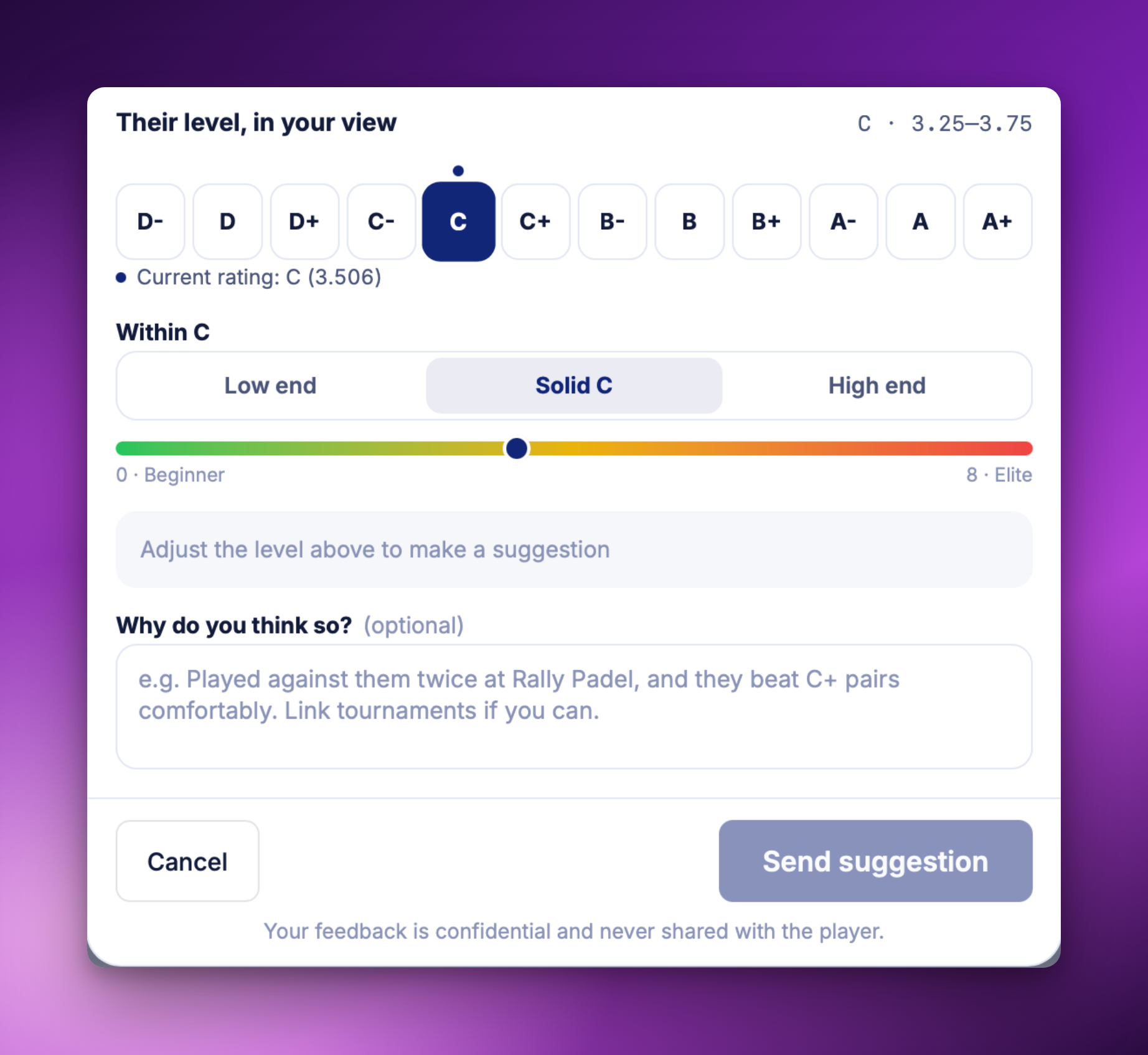
Six things you can flag. A rating that looks wrong, a duplicate profile, wrong profile information, someone impersonating a player, inappropriate behaviour, or anything else. On your own profile you can also point us at a second profile that holds your matches.
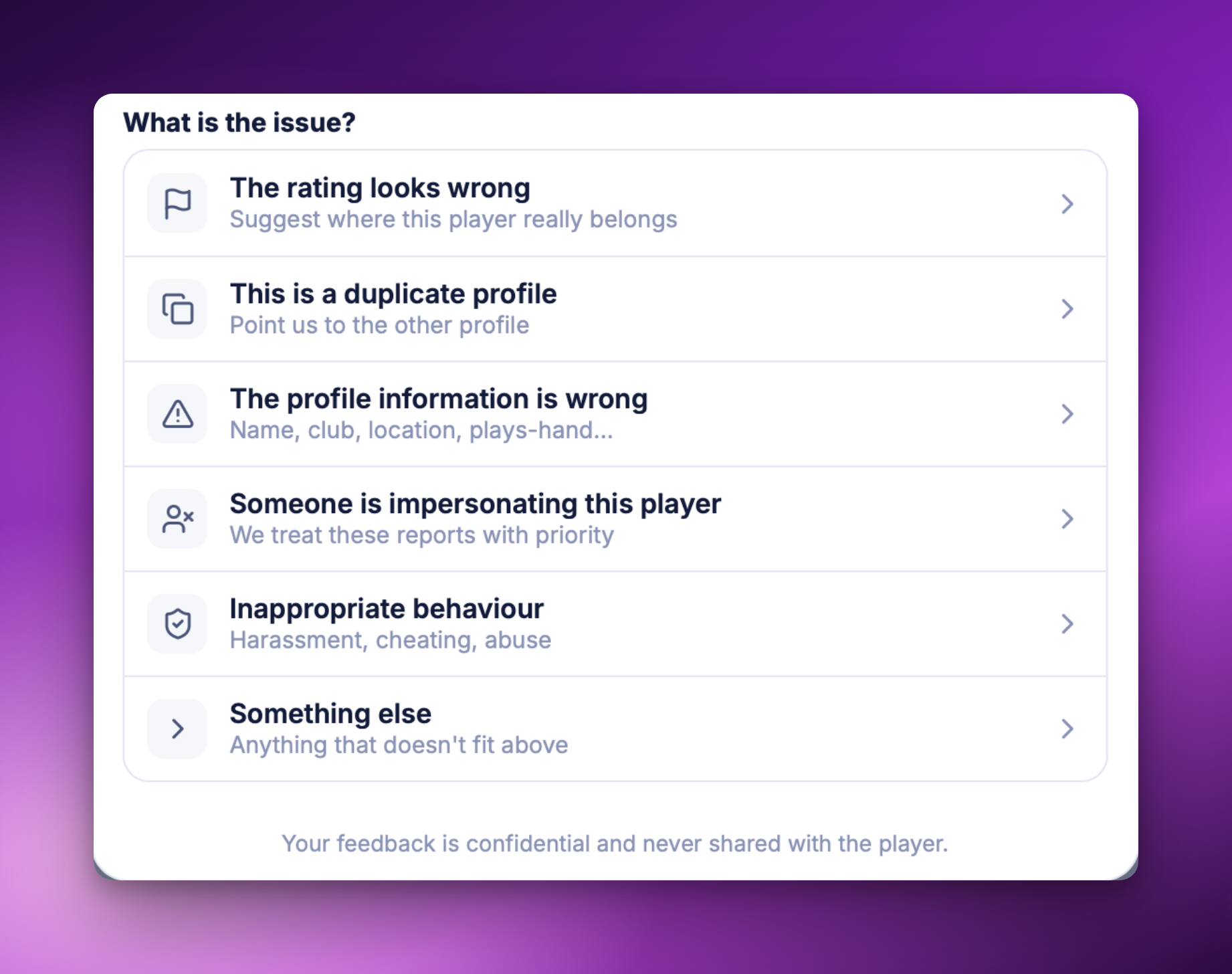
Feedback is confidential and never shared with the player. Available now in the app and on wecourts.com.
July 30th, 2026
New
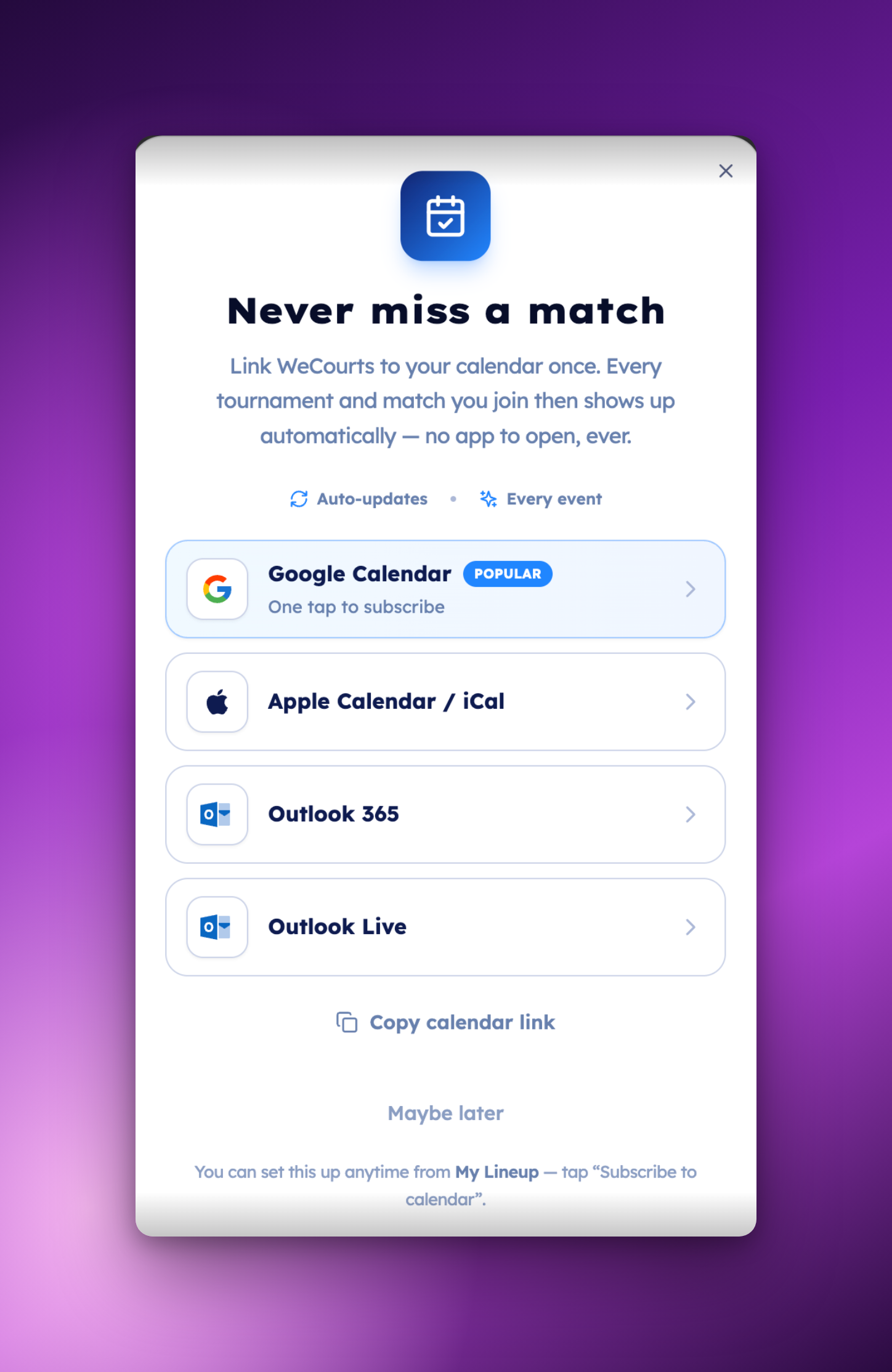
You can now link WeCourts to your own calendar, on the web and in the app. Every tournament and match you join appears automatically and stays up to date.
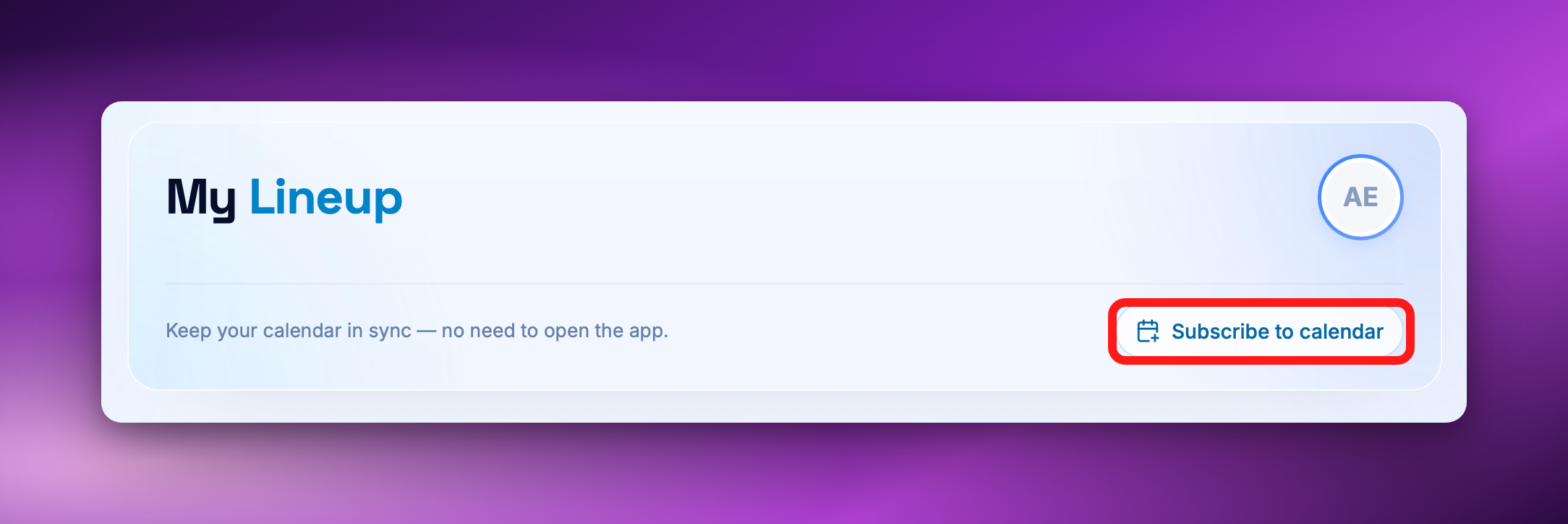
Subscribe once, and you’re done.
Join a tournament and it appears. The schedule changes and your calendar changes with it — nothing to re-import, nothing to add by hand.
In the app it’s one tap — it opens straight into your phone’s own calendar. Nothing to pick.
On the web, choose your calendar — Google Calendar, Apple Calendar / iCal, Outlook 365 or Outlook Live.
Anything else? Copy the calendar link and add it in any app that subscribes by URL.
Every event links back — open it in your calendar and you’re on the tournament page.
How to do it:
On the web, open My Lineup, click Subscribe to calendar and pick your calendar.
In the app, tap the calendar button on My Lineup, then Connect my calendar.
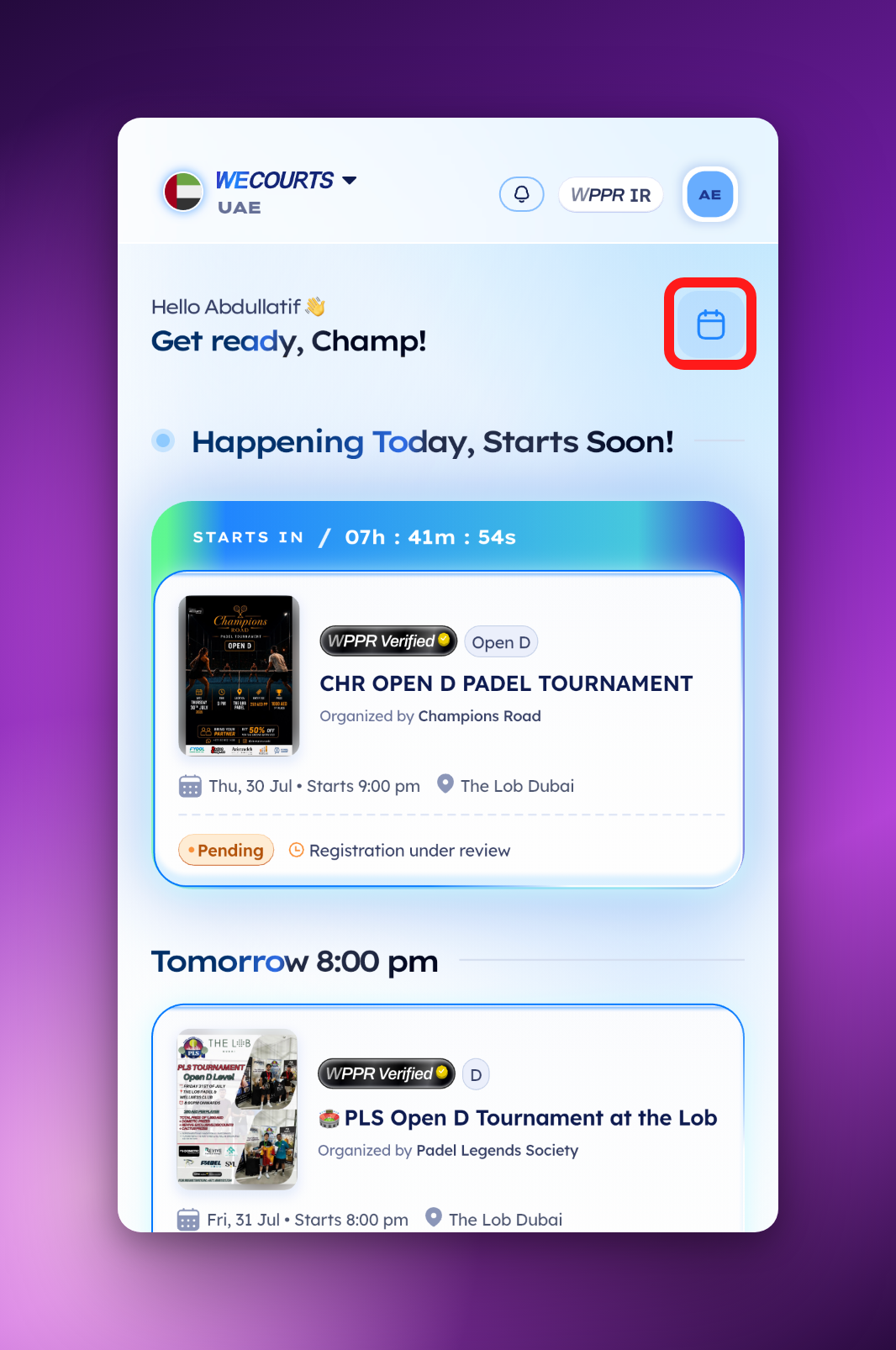
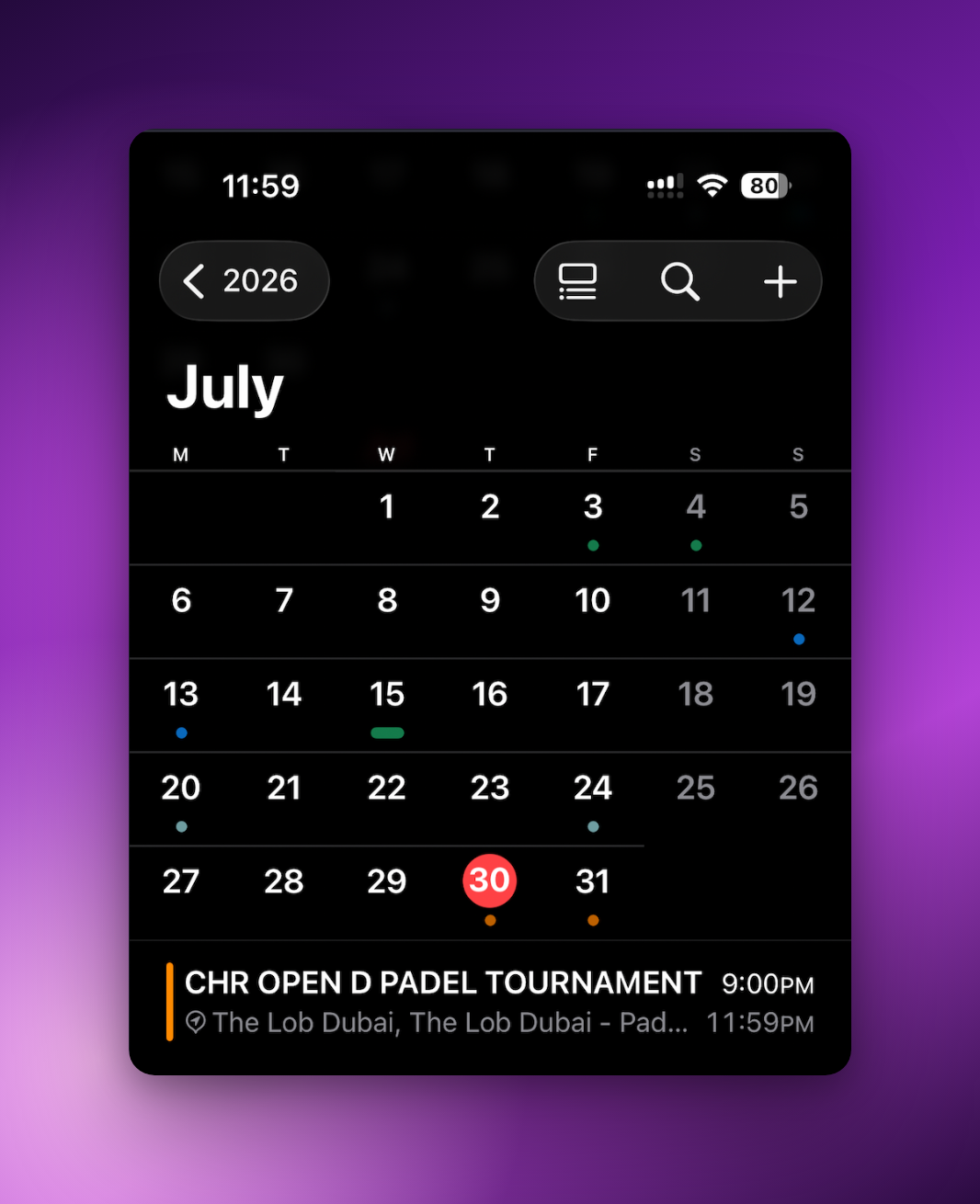
Available now for every player, on the web and in the app.
Look for Subscribe to calendar on My Lineup.
July 30th, 2026
New
Improved
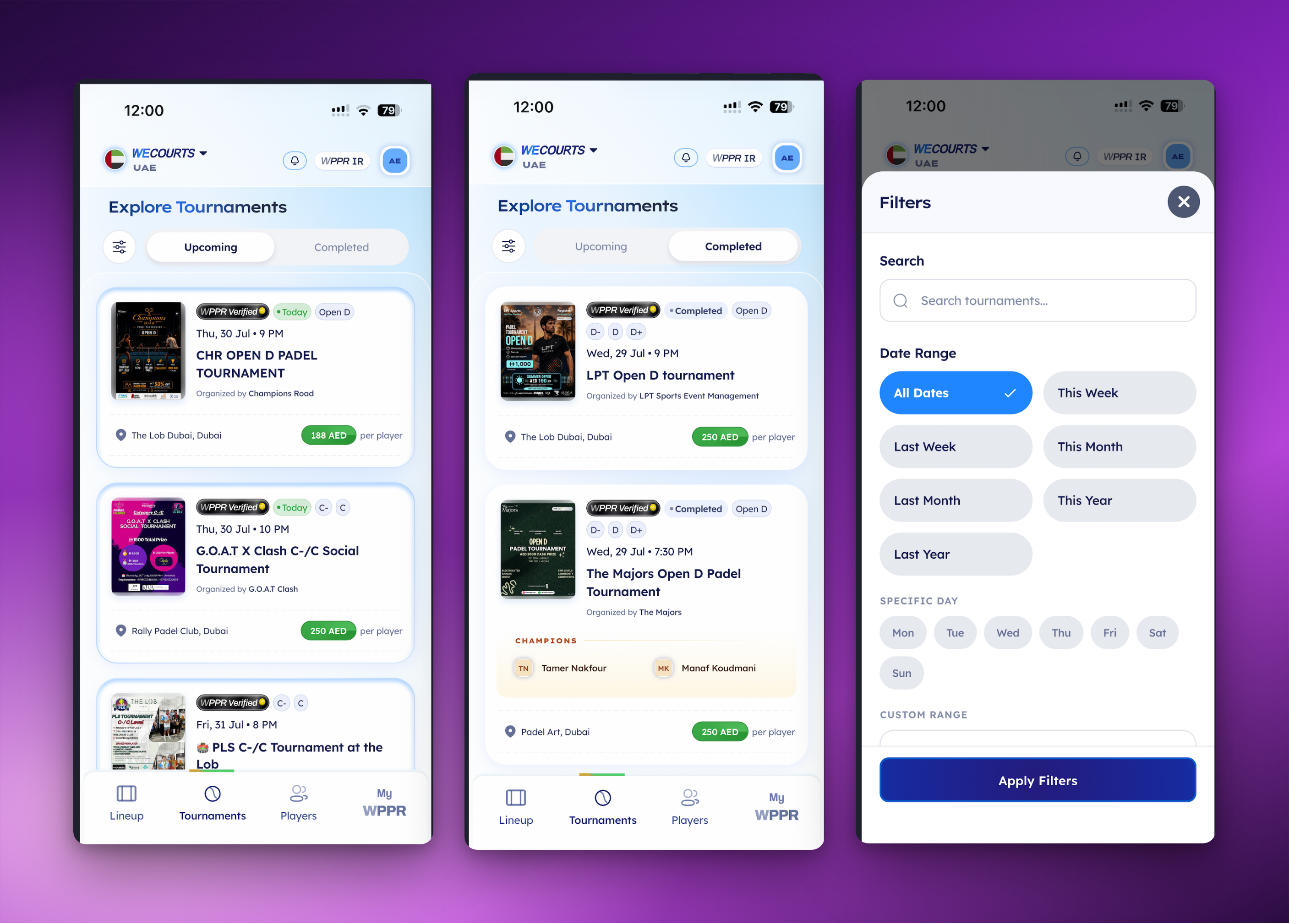
Explore Tournaments now has two sides. Upcoming is what’s next, the new Completed tab is every tournament that has finished, each one showing its champions.
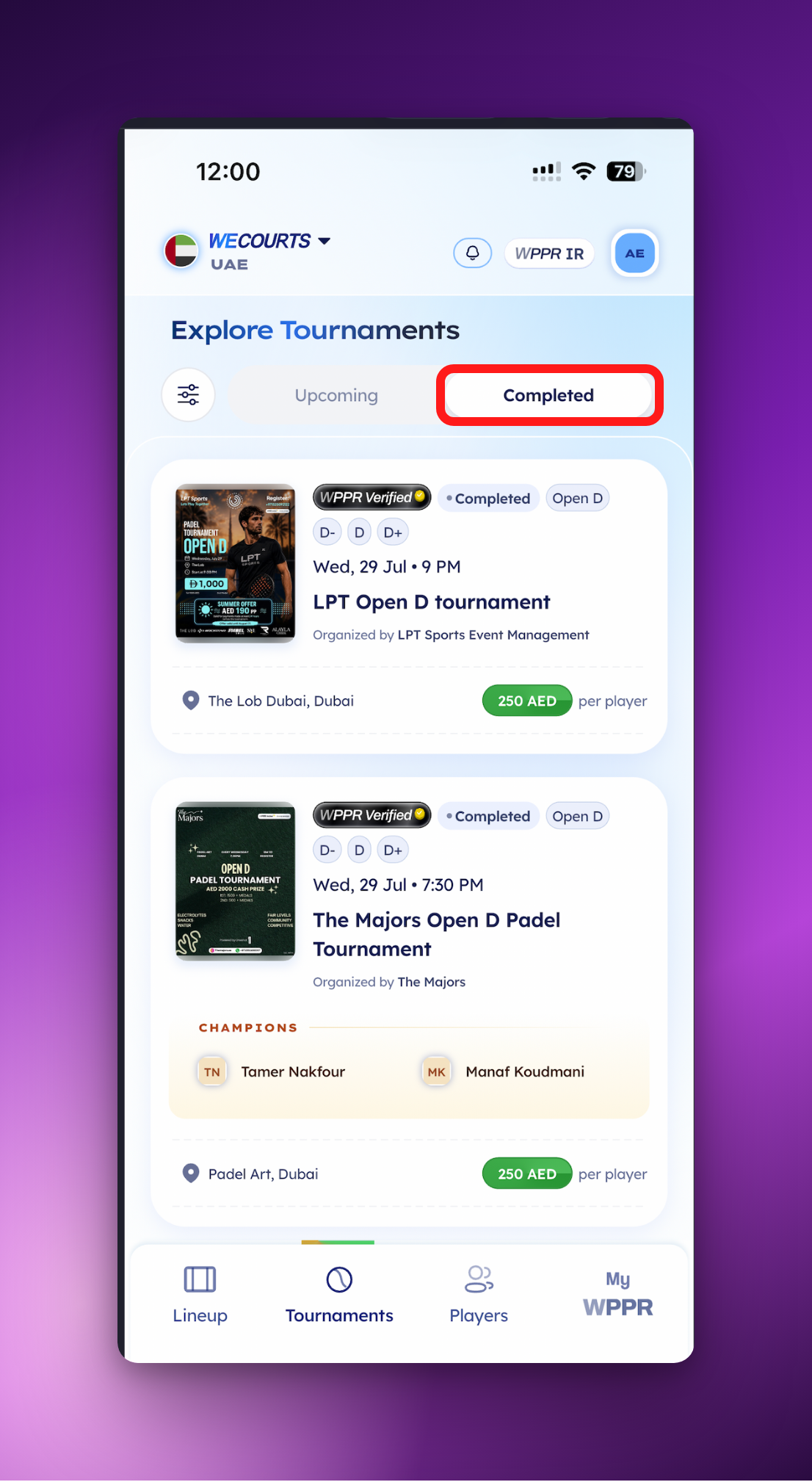
The champions are on the card.
You don’t have to open a tournament to find out who won. The winning pair is right there, on the card.
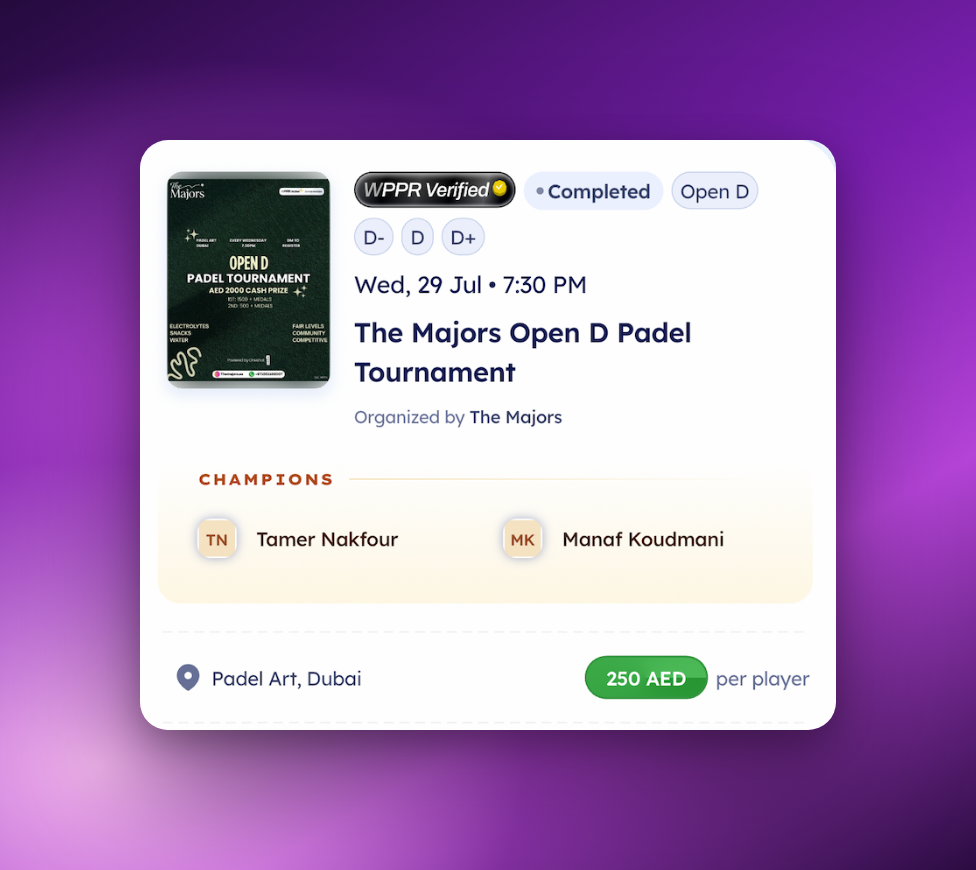
Filter either feed — search by name, or narrow Upcoming and Completed by date range and day.
Most recent finals first, and it keeps loading as you scroll back.
Available now in the app for every player.
Open Tournaments and tap Completed.
July 30th, 2026
New
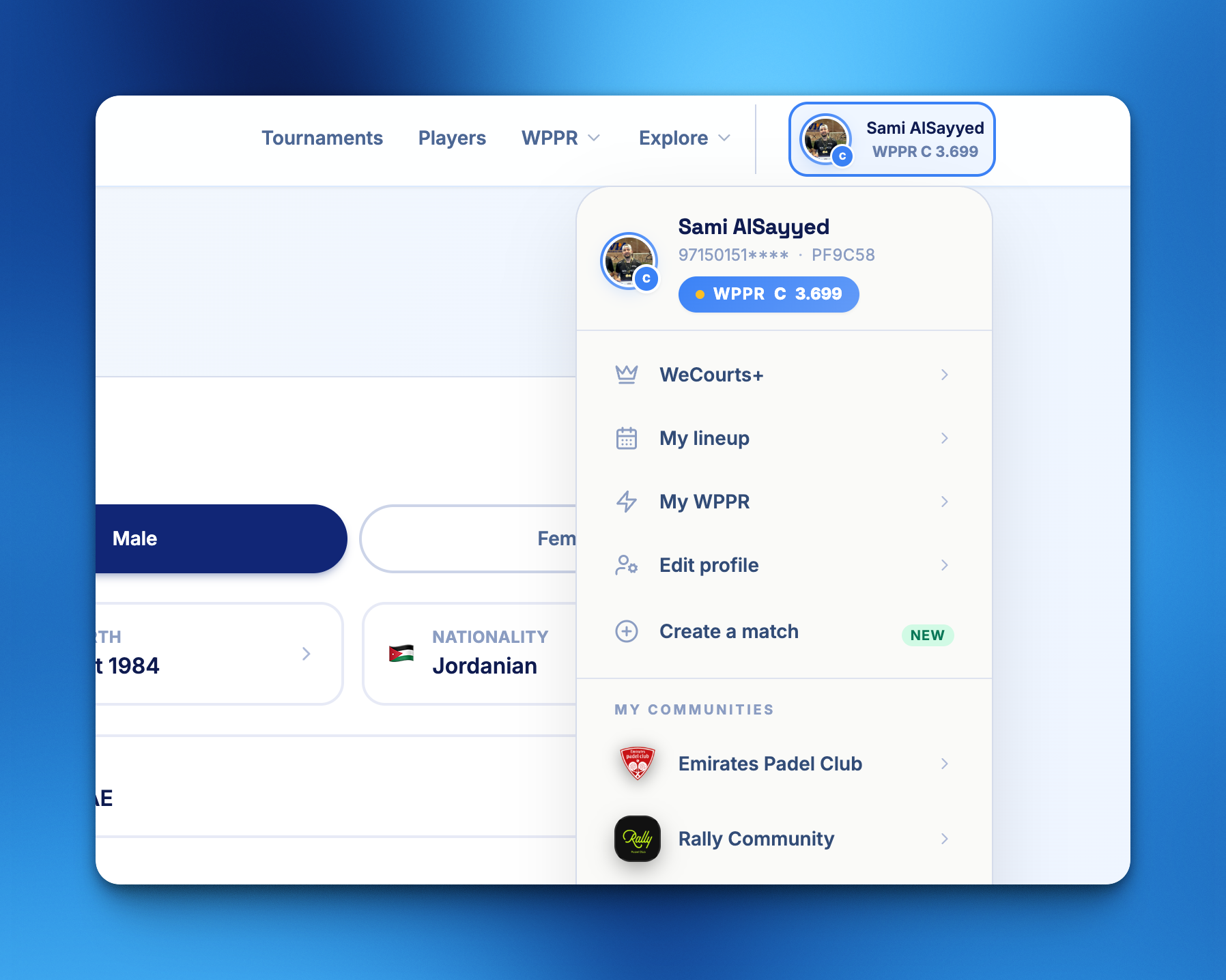
You can now create your WPPR account right from the web, no app installation needed. Just add your details and join the community of thousands of WPPR verified players.
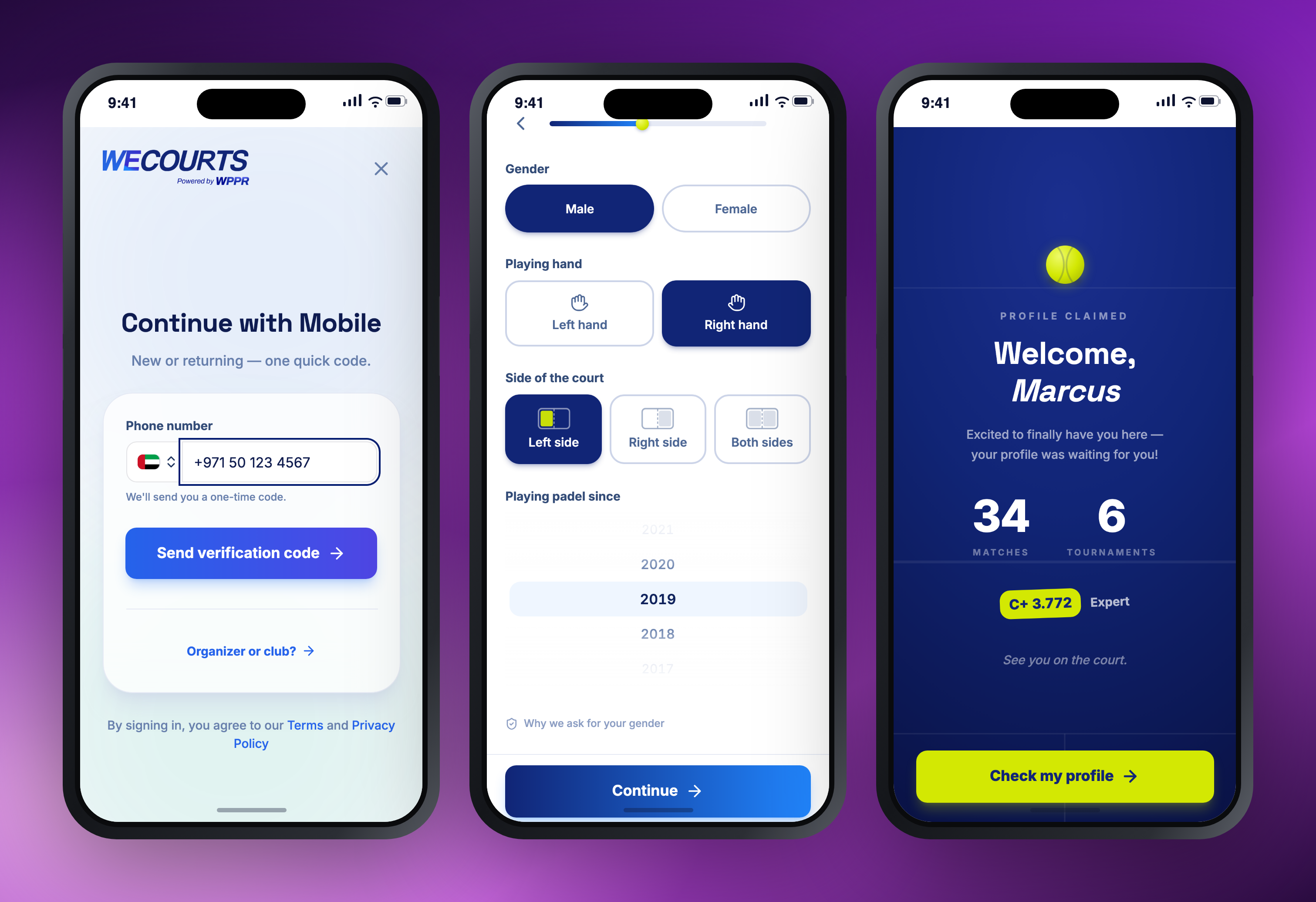
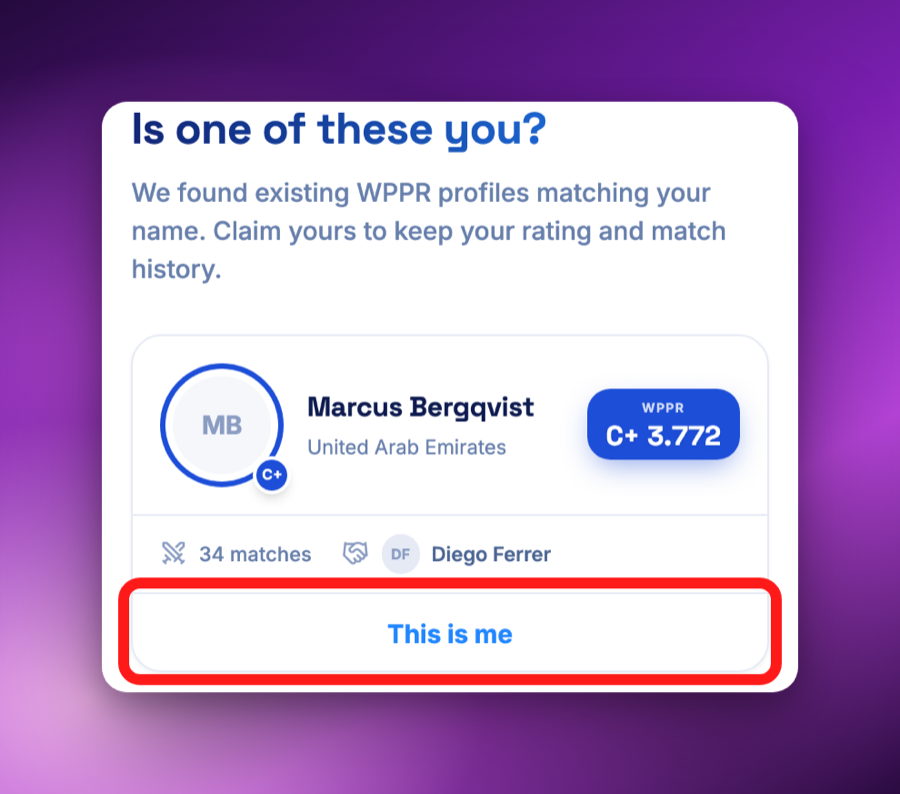
You’re not always starting from scratch, you may have a head-start!
If your profile already exists on WPPR (for example if you’ve joined WPPR verified tournaments in the past) the signup flow will try to match you with it. Claim it, and you keep your rating and your full match history.
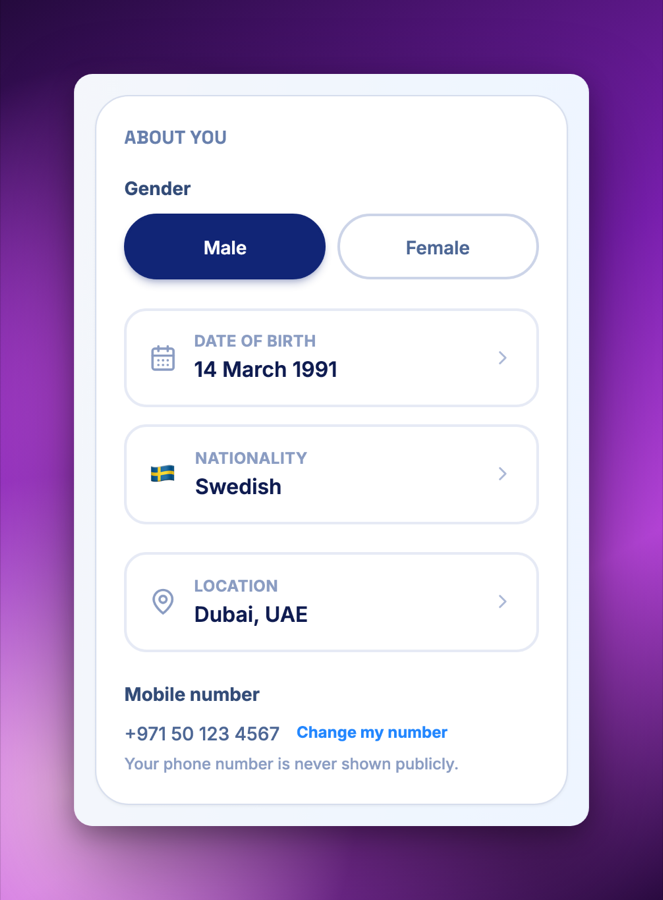
Your profile stays in your hands.
Change your details any time from Your profile.
Available now for every player at wecourts.com — no app download required.
July 25th, 2026
New
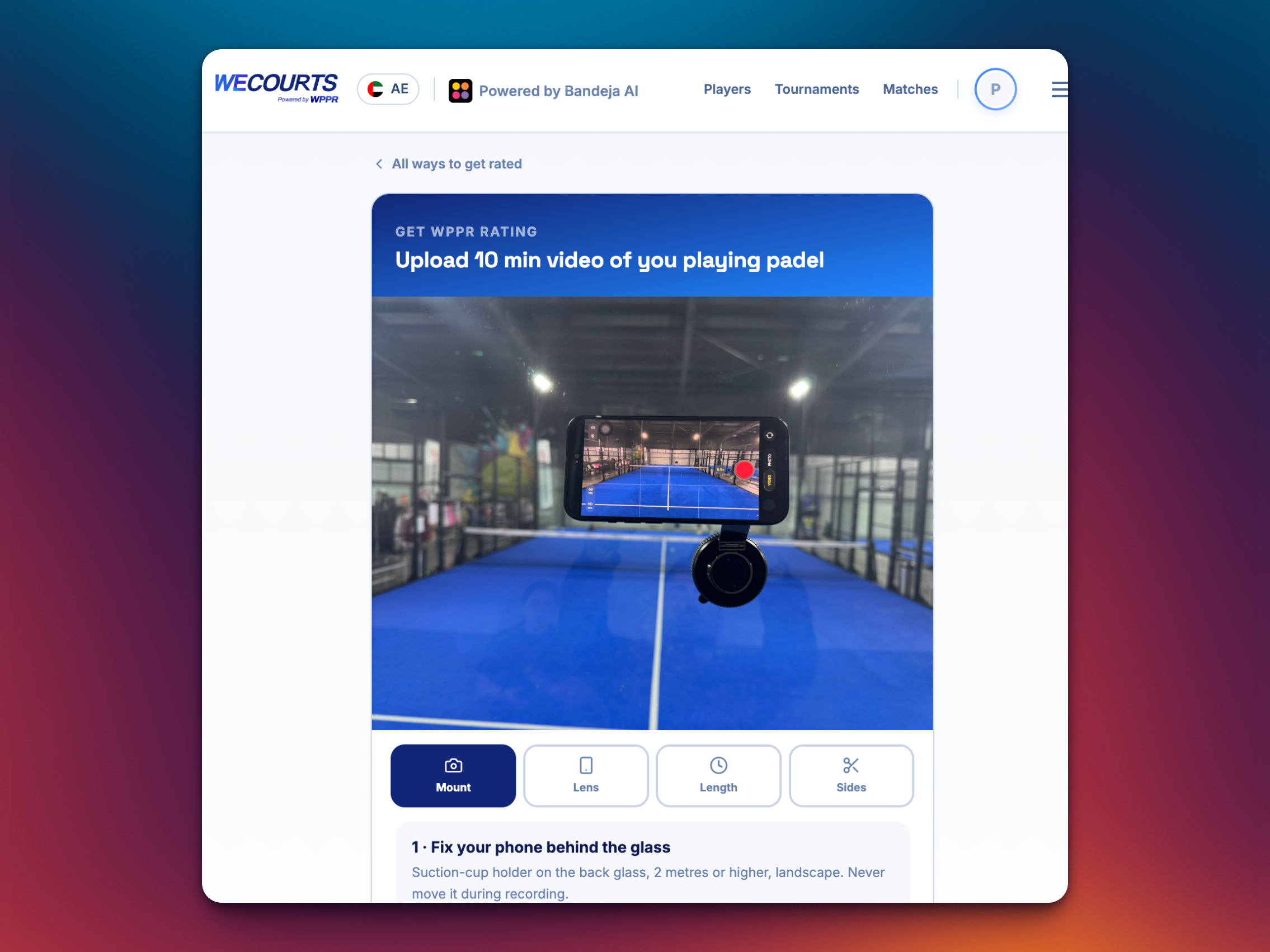
No tournament history? Now you can get a WPPR rating just by uploading a 10 min padel match video of you playing.
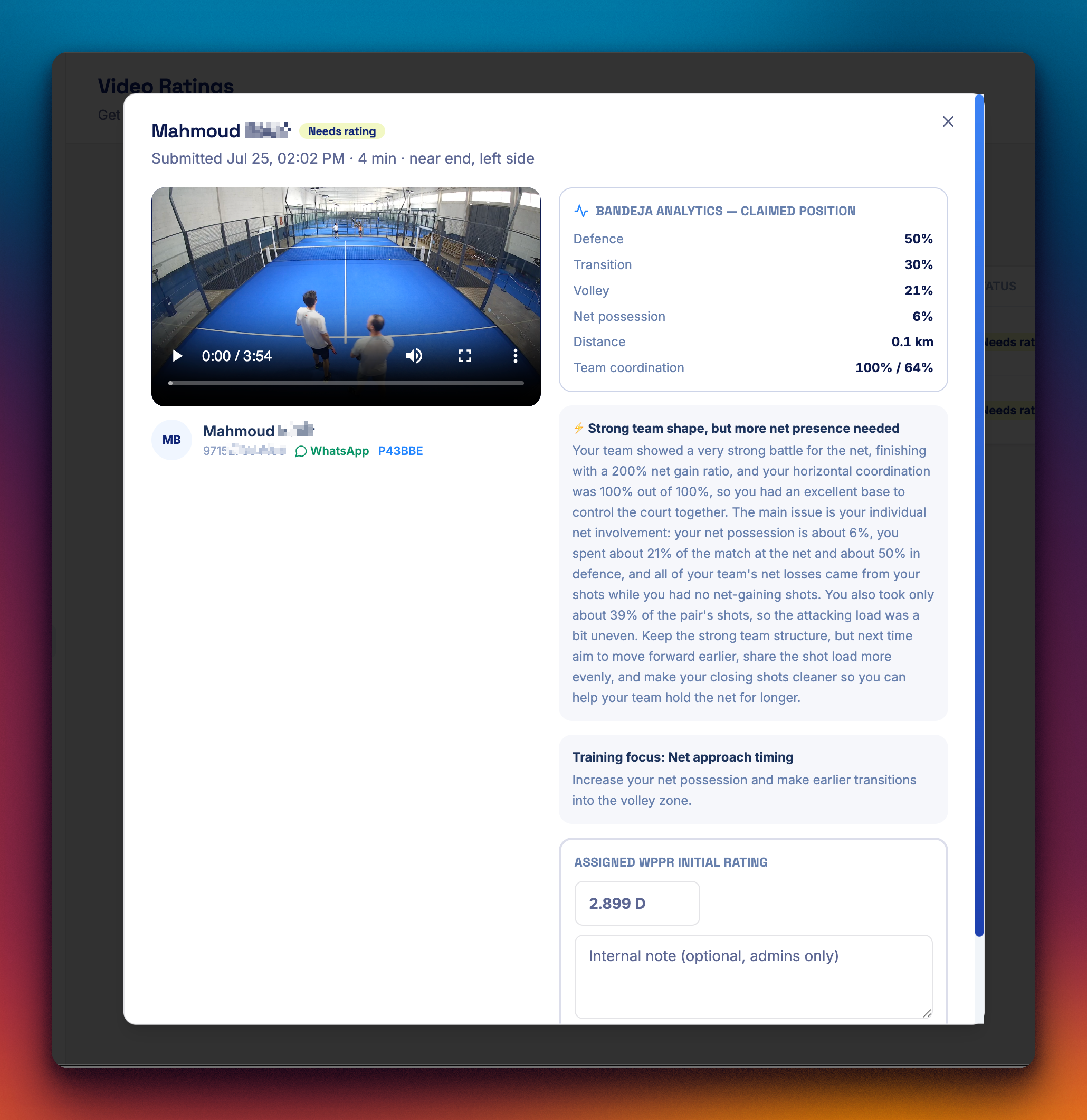
Record one set from your phone, upload it, and our video analysis (powered by Bandeja AI) breaks down your play.
Within 24 hours you'll get:
A real WPPR rating — your starting point on the global ladder
A personal match report — where you spend time on court (defence, transition, net), your shot share, and how well you and your partner move together
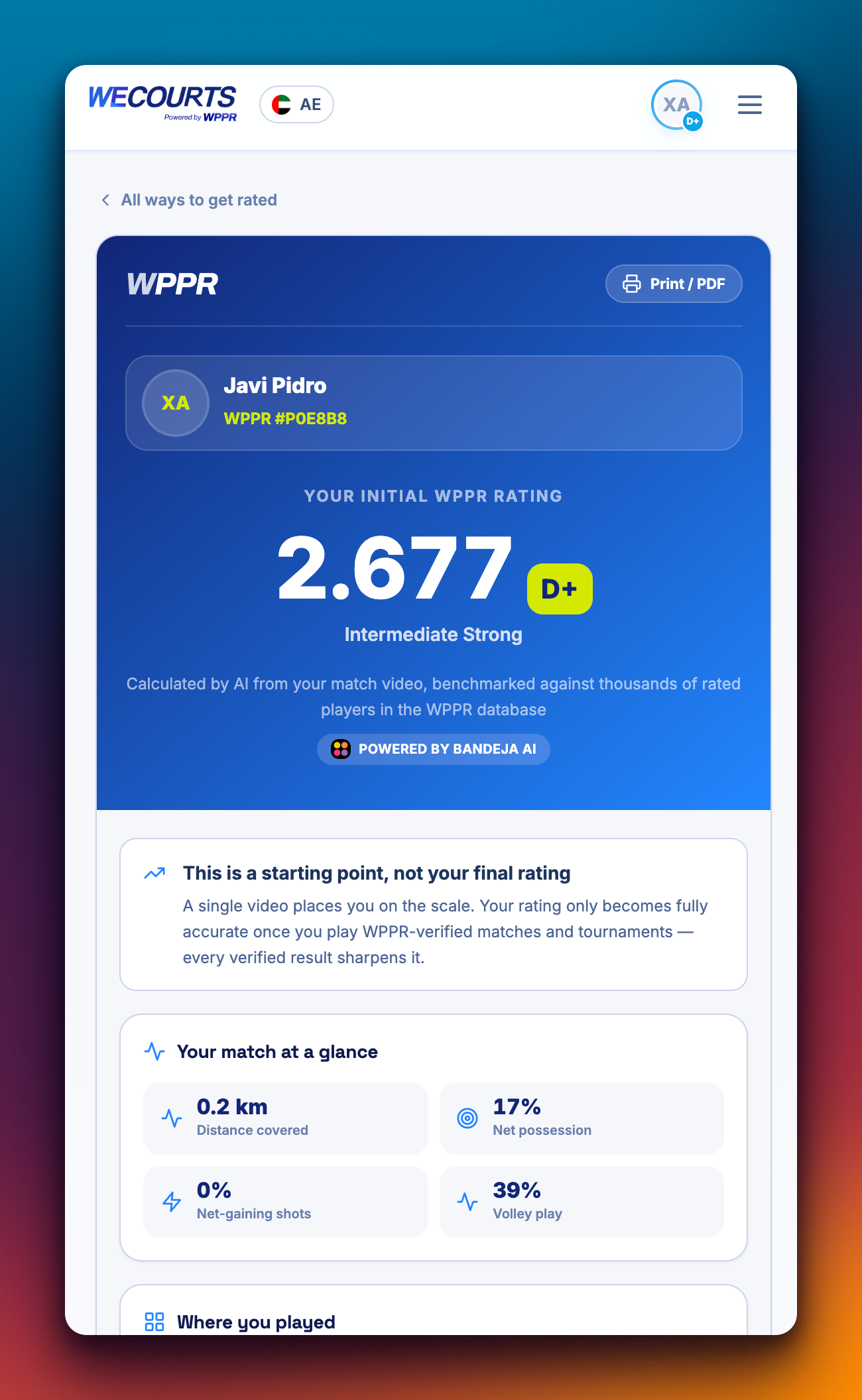
How to do it:
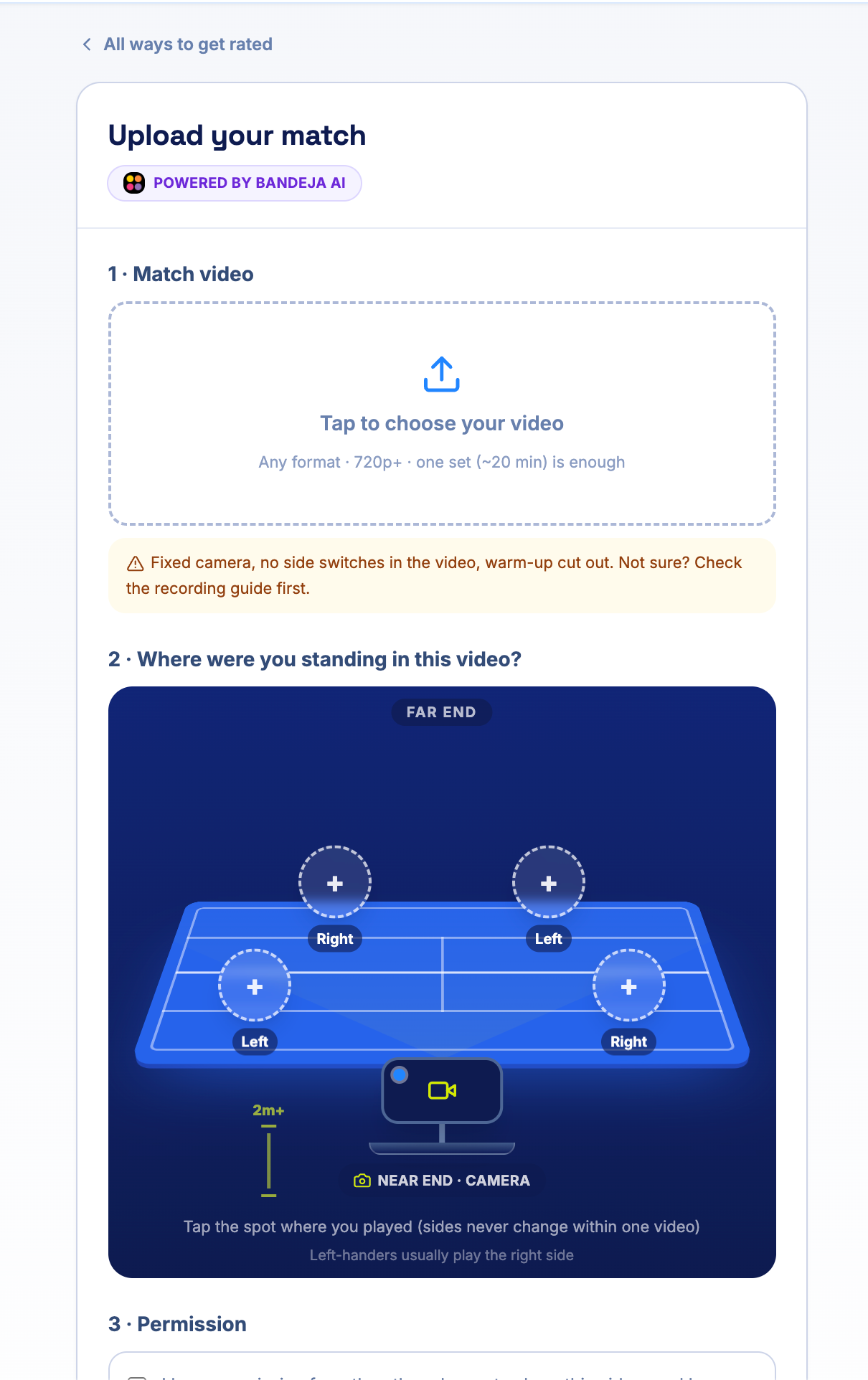
Film one set of a real match, landscape, phone at one end of the court (both service lines in frame).
Go to wecourts.com/rating/get/video and verify your number.
Upload the video and submit.
Get your rating + report within 24 hours.
Available now for players who don't have a WPPR rating yet — one video each.
July 15th, 2026
New
Improved
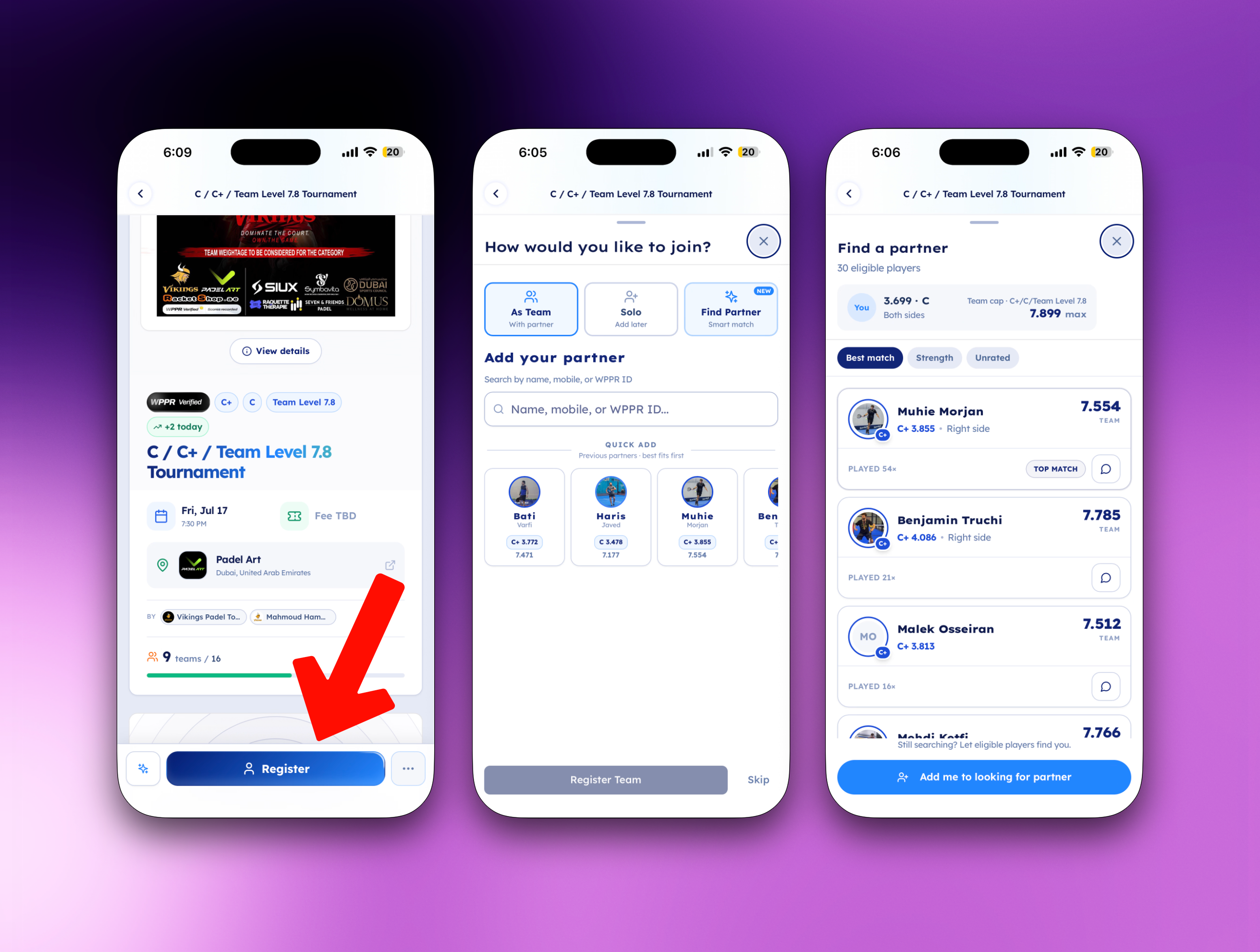
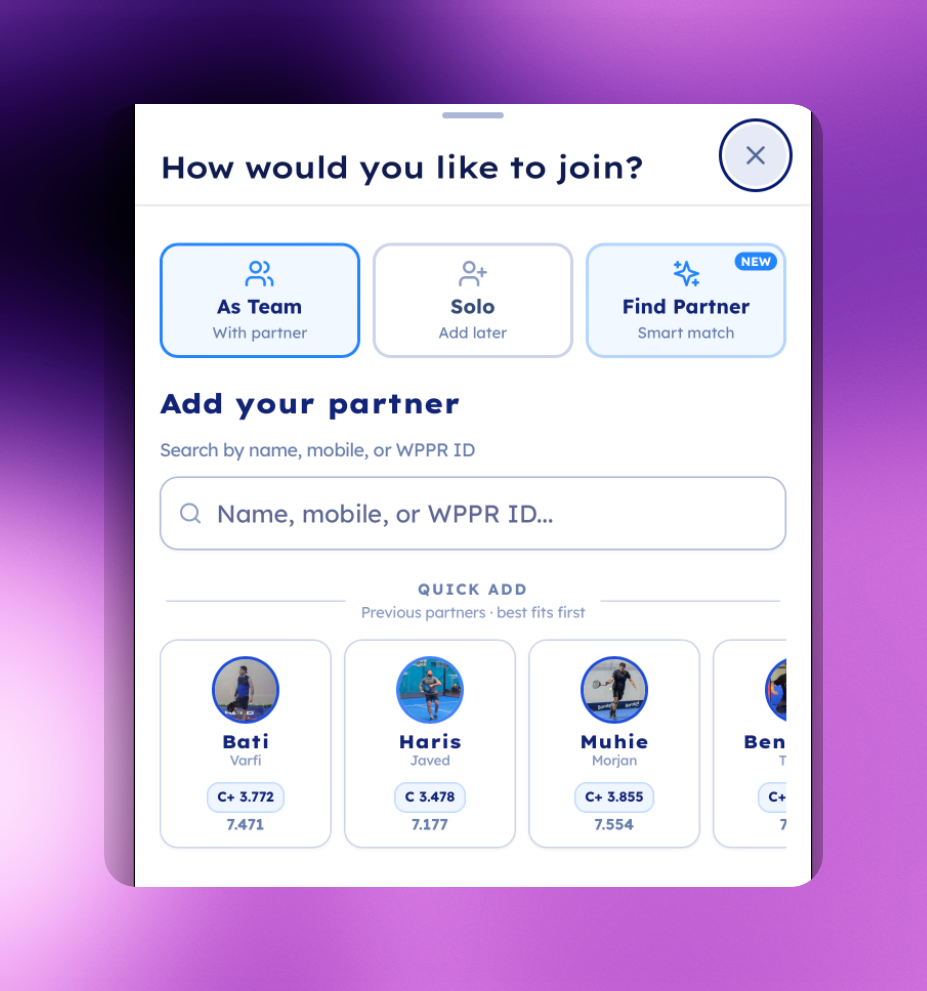
Registering for a tournament without a partner used to mean scrolling a list and hoping. Now WeCourts matches you.
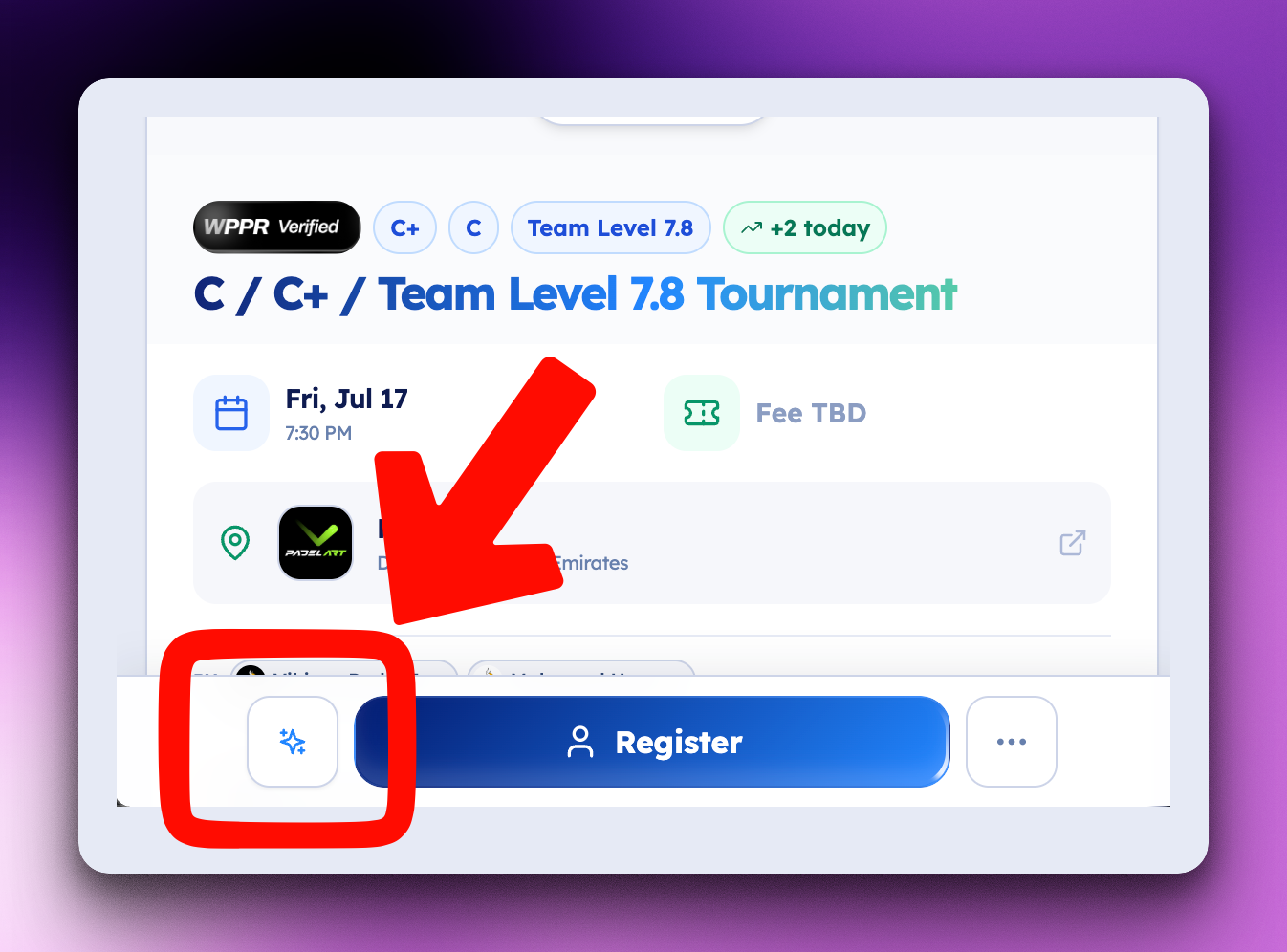
Smart Partner Match — the tournament page now previews your best fits ("5 great fits found for you") before you even open the list.
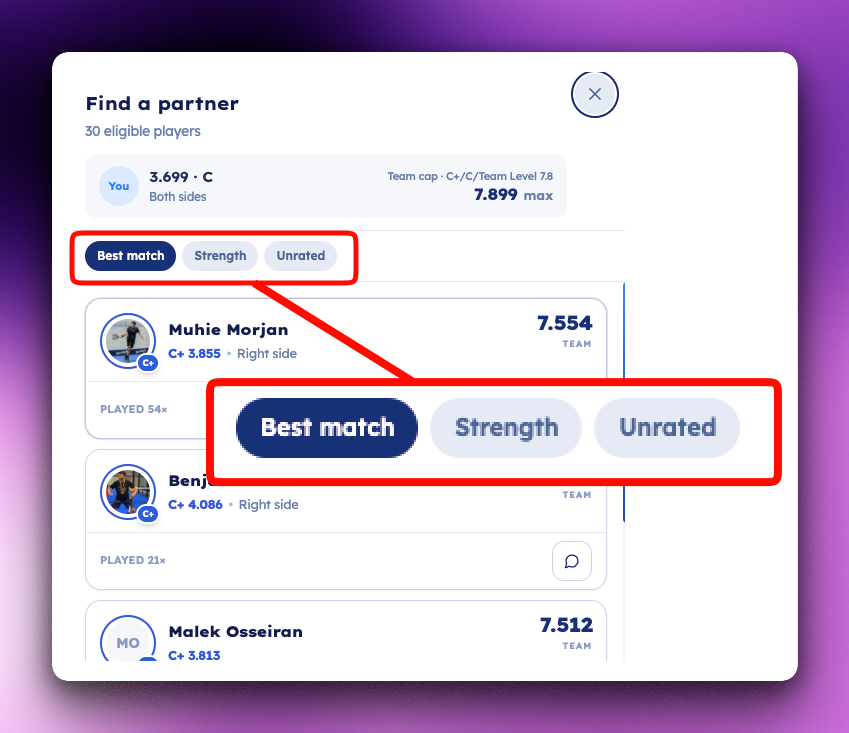
Four ways to browse: Best match (ranked by tournament eligibility, competitiveness, side compatibility, and availability), Looking now (players actively searching, with one-tap WhatsApp), Strength (the strongest legal pairings for the team cap), and Unrated (see below).
Unrated players, finally visible. Players without a rating who've proven themselves on court now appear with a transparent track record — win counts per level (e.g.
C ×12 · C+ ×5) relative to your level. Great players without a rating stop being invisible; partner one and help them earn their first rating.
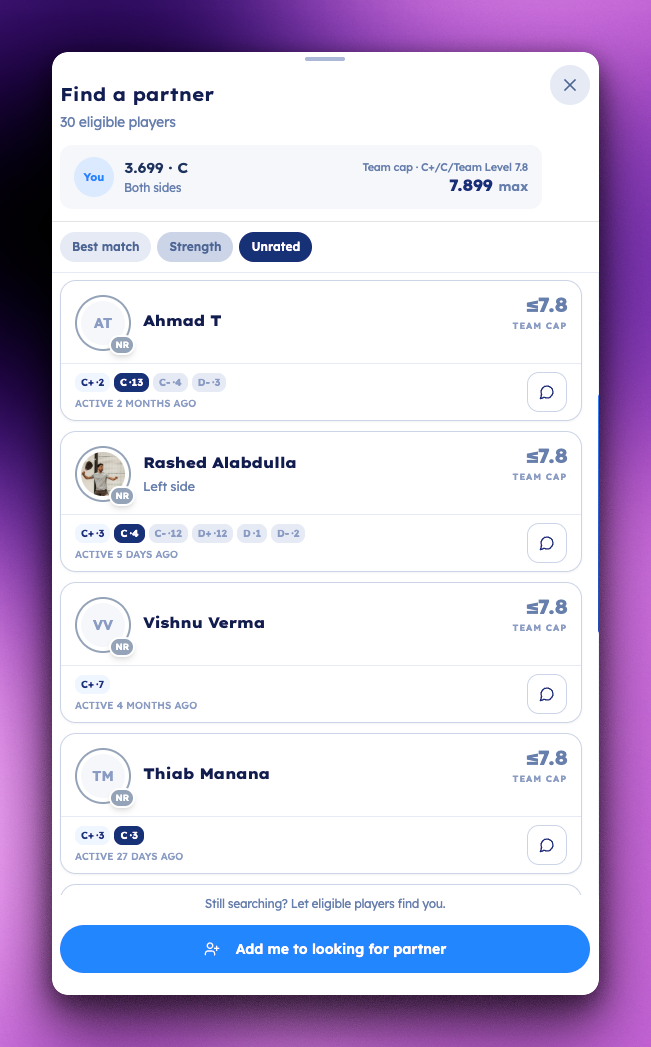
Beyond your circle. Suggestions now reach into your wider network — with an introduction that tells you why: "Plays at [your club]", "Knows [mutual player]", "In [your community]".
Add yourself in seconds. "Add me to looking for partner" now lives right in the sheet, with a personal message so the right players reach out.
Improved
Local matches only — suggestions are filtered to players actually active in the tournament's country.
Fairer rankings in women's-concession events — strong players who bring a team well under the cap are now ranked by their real strength.
Smarter invites — the WhatsApp invite message is pre-written with the tournament details and your combined team level, ready to send.
Privacy by design — direct WhatsApp contact opens only for players who opted in by listing themselves as looking for a partner. Nobody else's number is ever shown.
Fully redesigned mobile experience — full-screen sheet, keyboard-safe forms, swipe to close.
July 1st, 2026
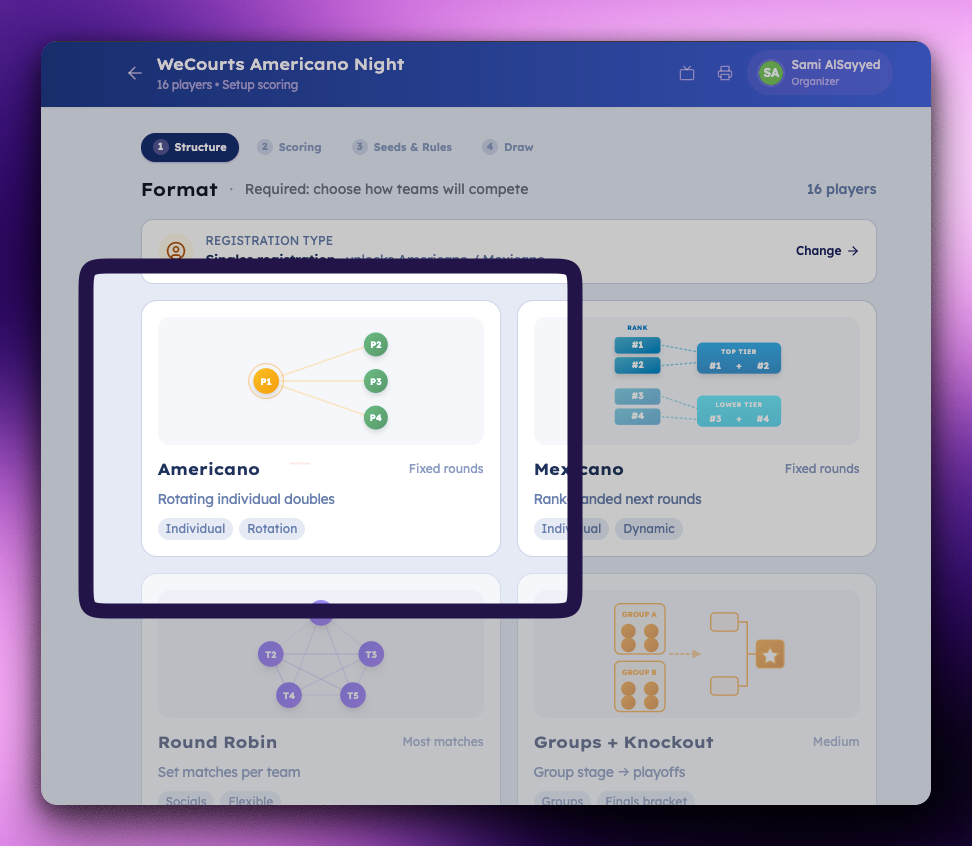
Running an Americano night used to mean a spreadsheet, a whiteboard, and a lot of hoping the pairings worked out. Not anymore.
We rebuilt Americano on WeCourts to run the whole night — fair draws and constraint-aware scheduling, tap-to-edit pairings, smart WhatsApp messages, live scoring, a big-screen TV view, posters, and SOS for when things change. Here's everything that's now live.
Here's everything that's now live.
Fair, repeat-free draws — automatically
Everyone partners with everyone (4–32+ players), byes handed out fairly for odd counts, capacity flagged up front.
Smart scheduling that respects how people actually play
No two lefties stuck together, court-side preferences honored, mixed-night balancing, variety maximized. No traits? Still works on proven rotation.
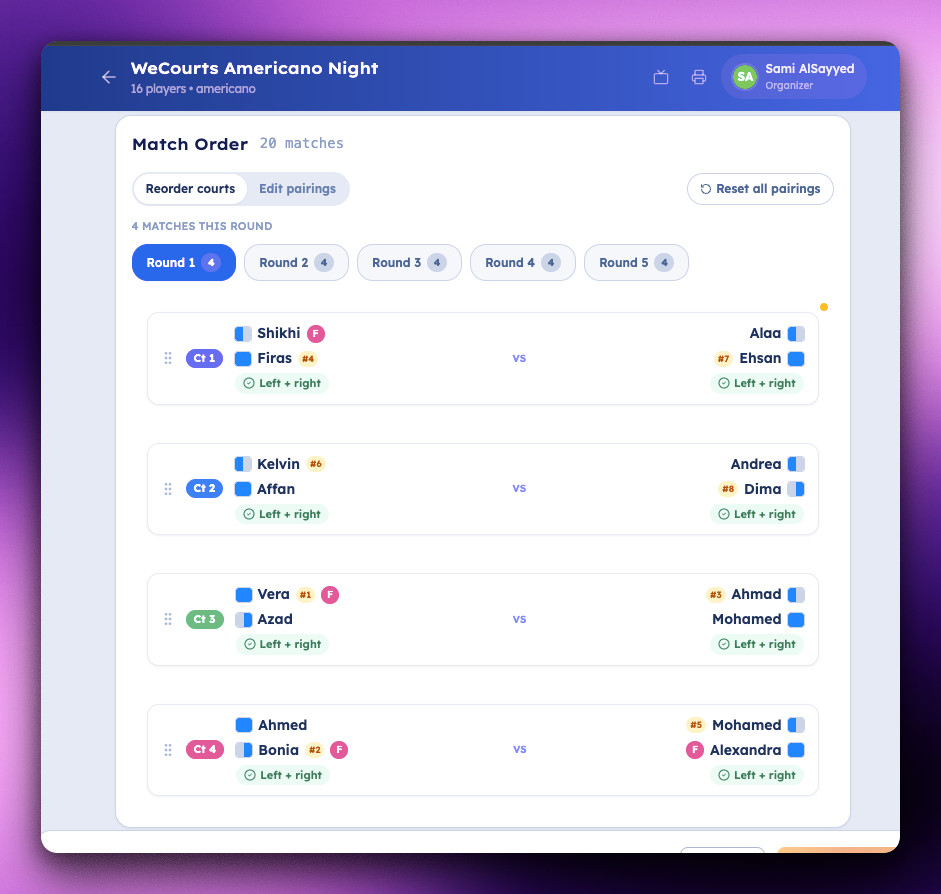
Players tell us how they play
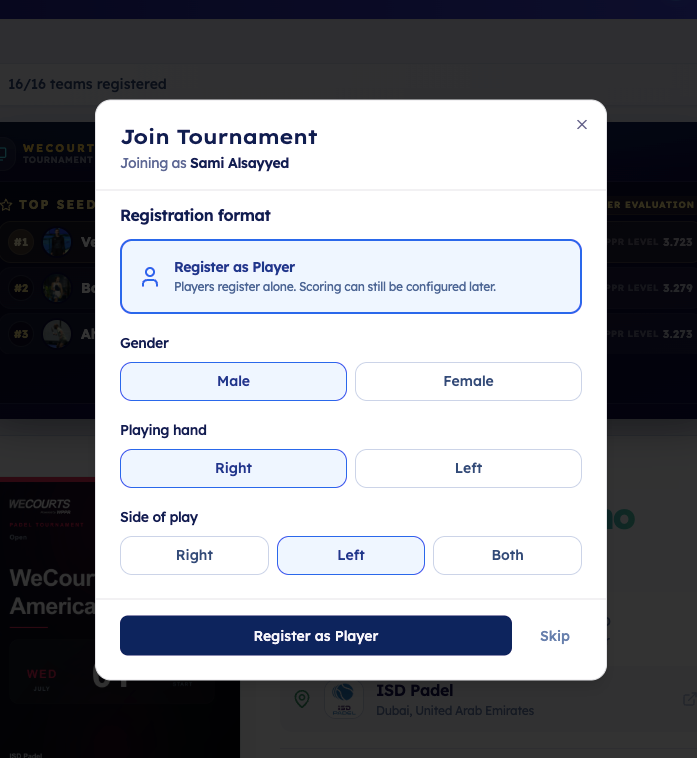
On registration we ask for the three things that matter for pairing — side of play, playing hand, gender — captured once, reused everywhere.
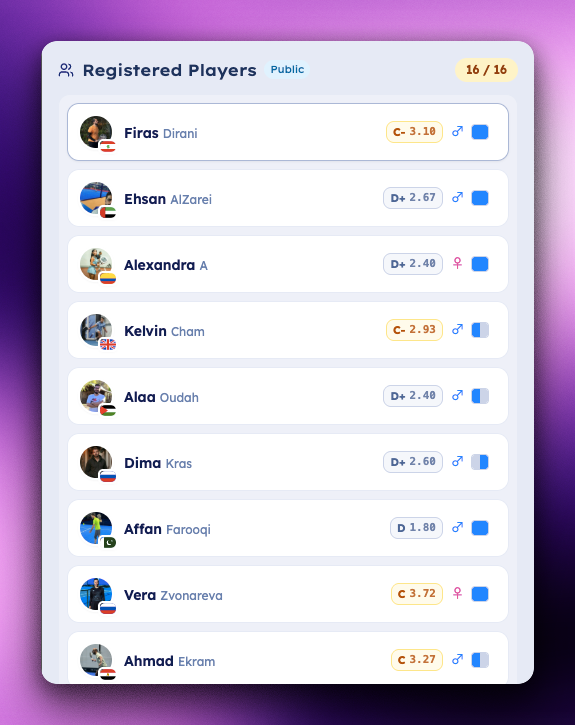
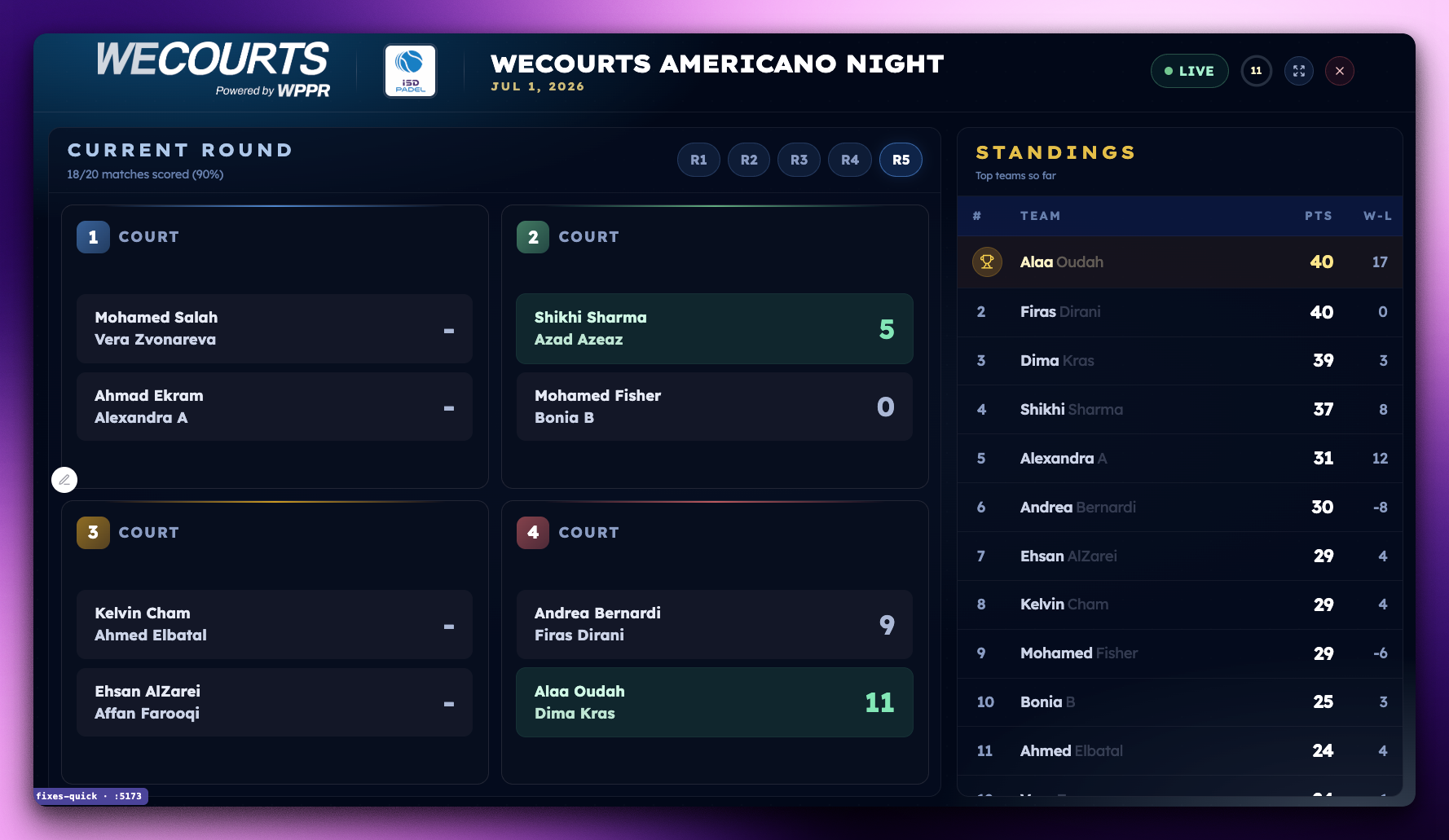
Put it on the big screen
Live TV view: 4-player court cards, live standings, auto-rotating highlights.
Print it out
Check-in lists, per-round scoring sheets, rounds overview.
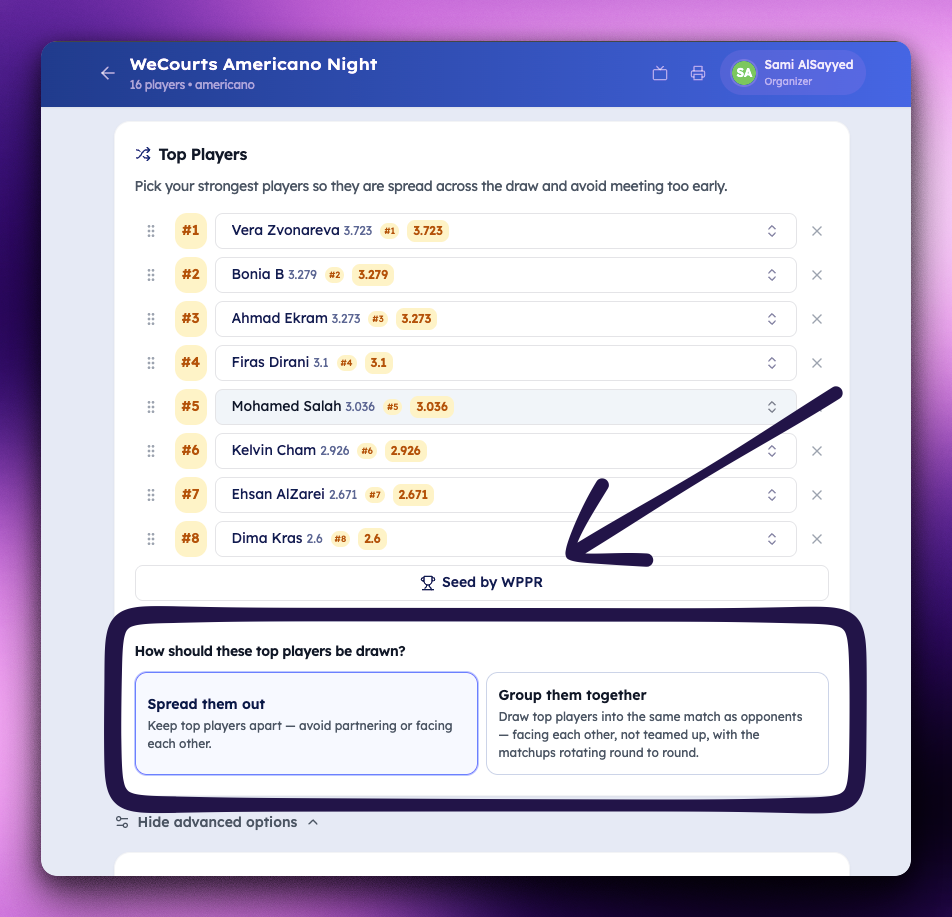
Seed your top players
Spread them apart or Cluster them into marquee matchups.
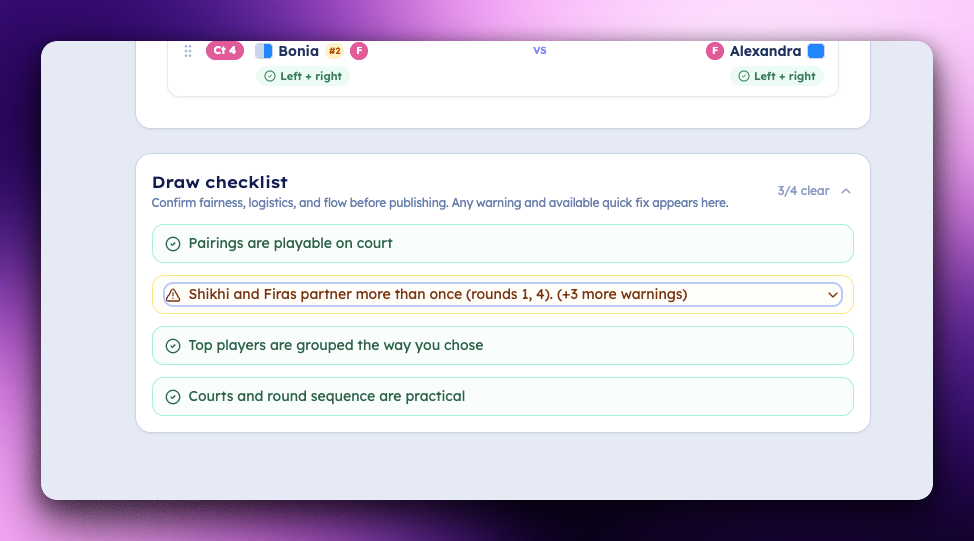
Review Draw — see problems before they happen
Instant health check flagging bad pairings, repeats, missing traits, seeding misses, and capacity.
Avoid Drama Situations
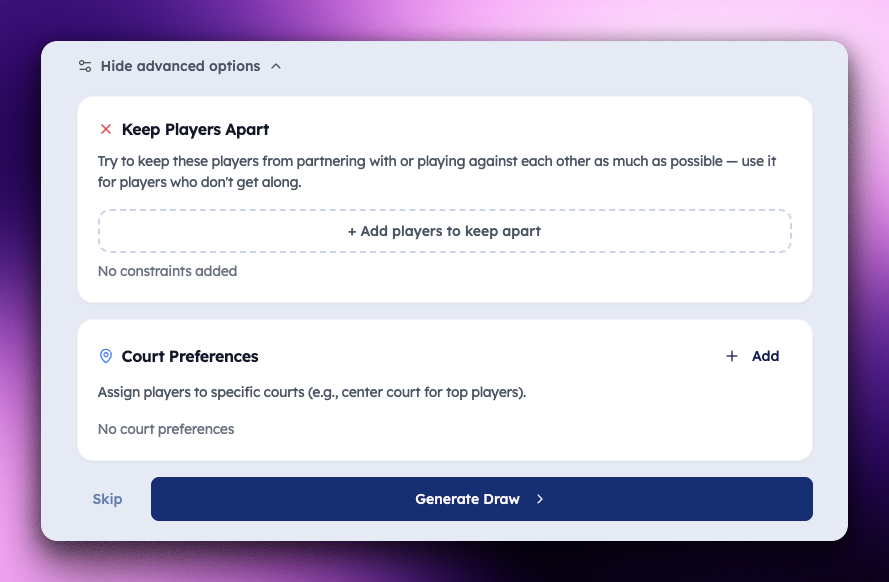
Edit pairings by tapping
Tap two players to swap across rounds; re-validates instantly.
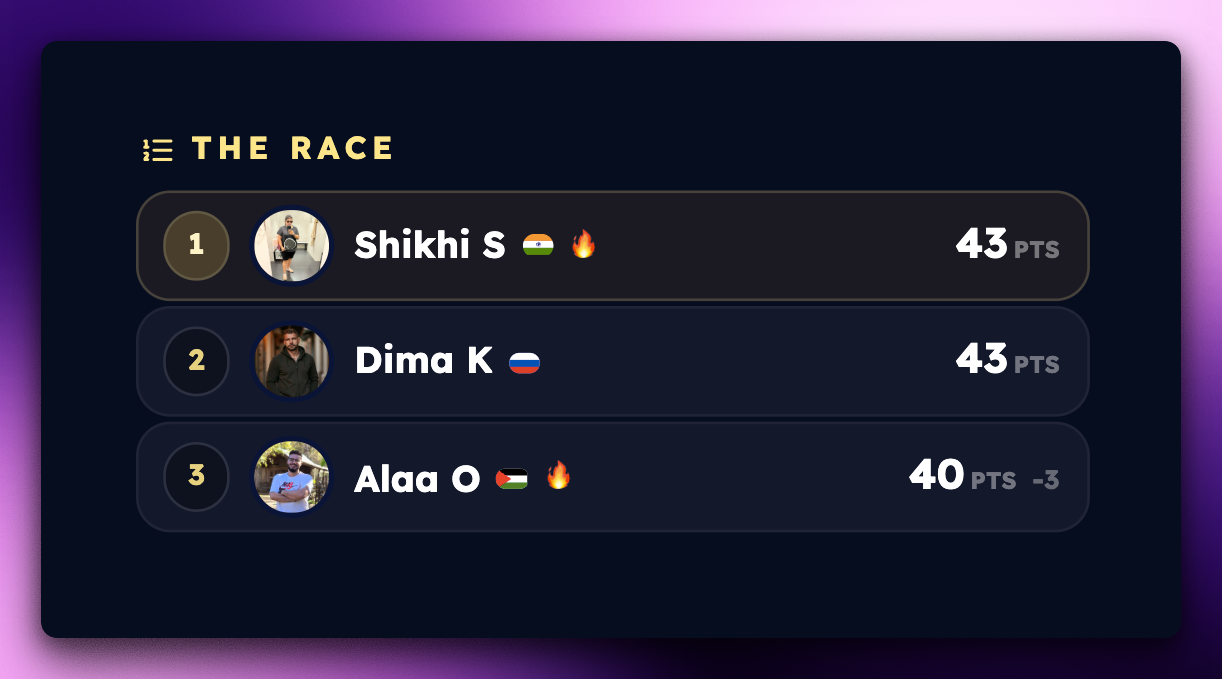
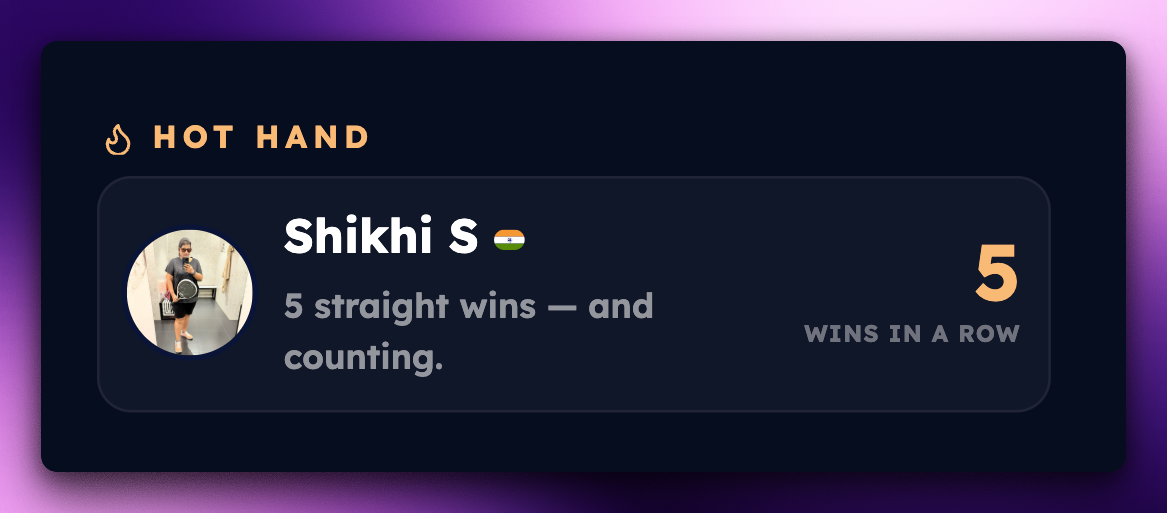
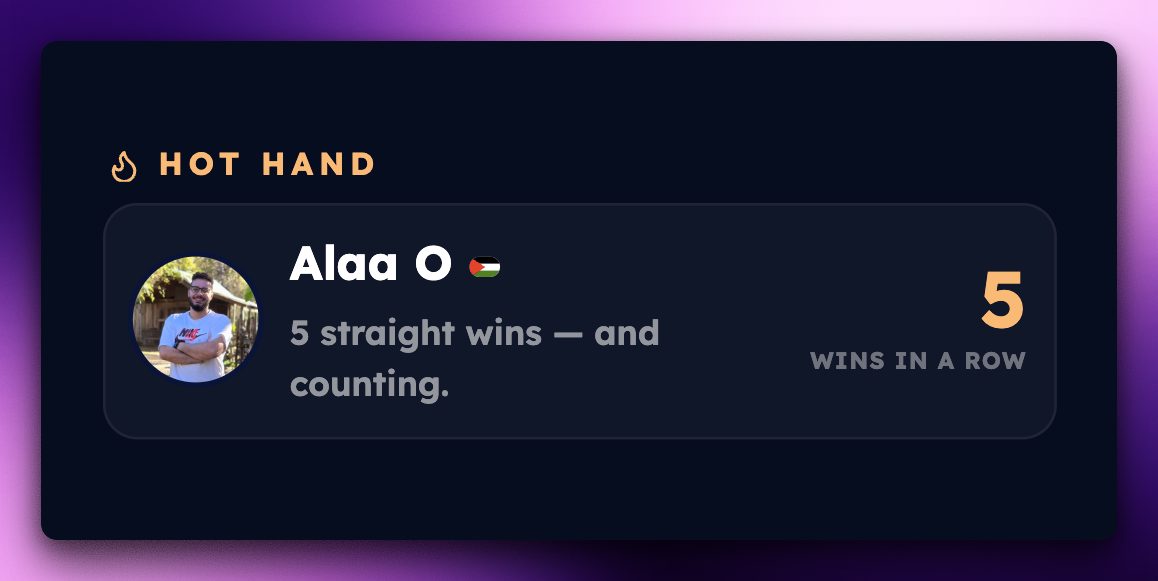
Live scoring built for individual play
Side points, draws allowed, single clean leaderboard, round progress pills.

Share the draw with a smart WhatsApp message
One tap copies the full draw — with L / R side and a LEFTI flag inline per player, so the group chat instantly reads the matchups.
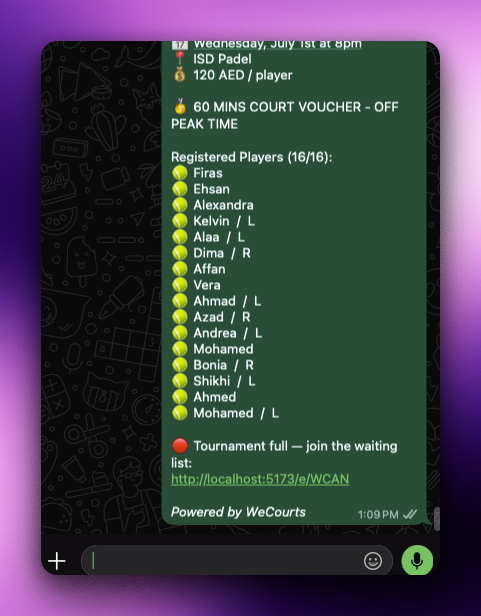
Link your WhatsApp group — we send the updates
Connect the group, WeCourts posts updates for you.
Stunning share images for the draw & schedule
Branded draw, roster, and order-of-play graphics.
No poster? We'll make one
Auto-generated tournament poster image for your social night.
Beautiful link previews everywhere
Your tournament link unfurls into a rich branded preview on WhatsApp & social.
Bring in help to run results
Give trusted people access to help submit results.
Collect T-shirt sizes ahead of the night
Gather sizes inside WeCourts before the day.
Last-minute and mid-event changes? SOS has your back
Drop-outs, no-shows, live fixes — void, set scores, forfeit, or swap, draw stays intact.
Meet Ace — your Americano co-organizer
Knows the setup workflow and sees the live event — leaderboard, round progress, results. Ask in plain language.
…and much more.
Coming next: Mixed Americano, Team Americano, and King of the Court Americano.