📣 Updates — one post reaches every player in your tournament
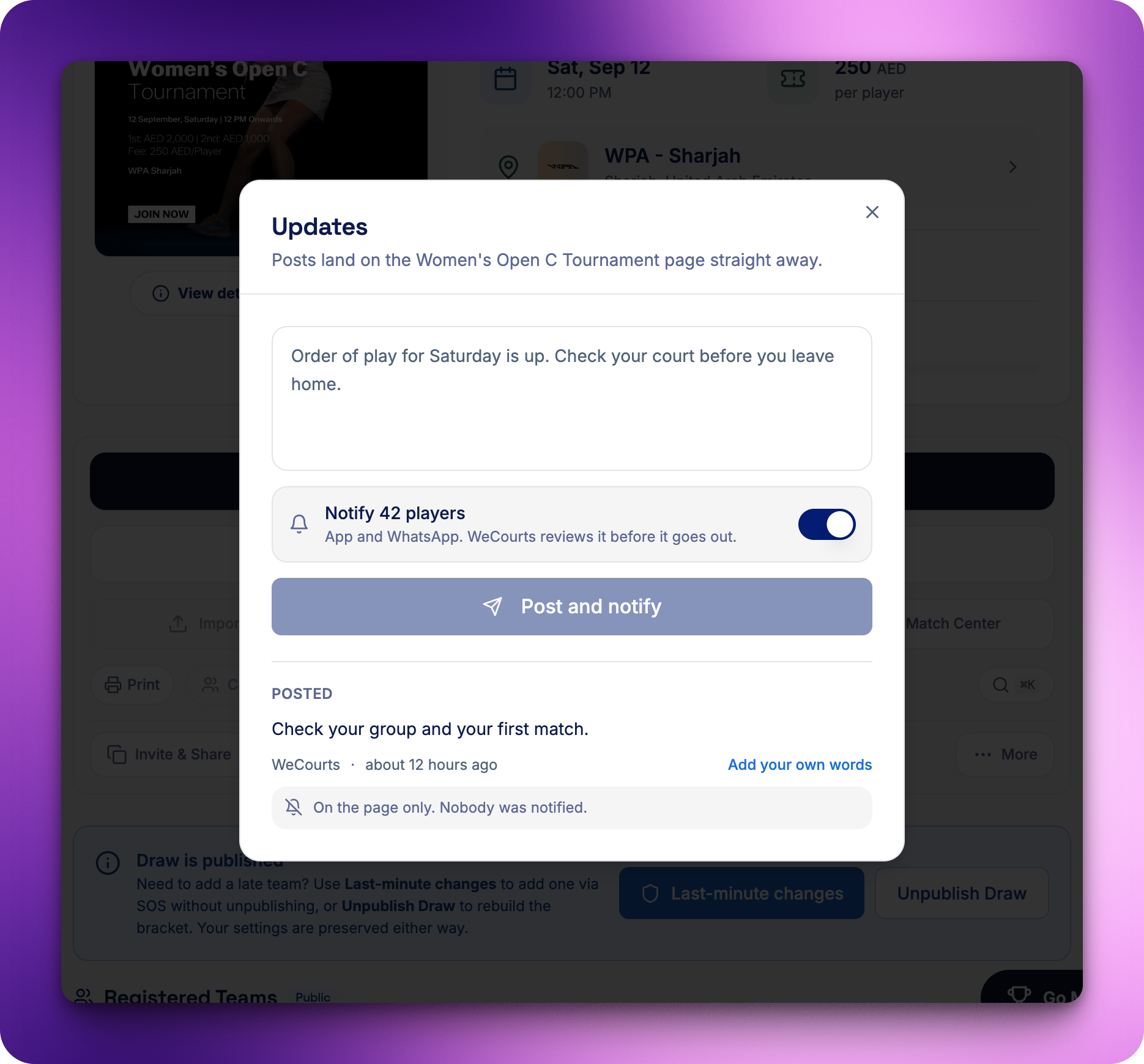
A court moves, the date shifts, the parking gate is shut. Today that means opening WhatsApp and typing the same message to thirty people, one chat at a time, and hoping you didn't skip anyone. Not anymore. Updates reaches every player registered in your tournament from one box.
Change the tournament, and we tell them for you. Poster, date, start time, level, category, venue, court, format, prize money — edit any of it and WeCourts writes the update and posts it on your tournament page. Nothing to retype, nobody left off the list.
Nothing changed? Post it anyway. The parking gate is closed. The order of play is up. Bring an extra shirt, the club's aircon is out. You don't need an edit as an excuse to talk to your players — write it, hit post, and it reaches the same people. Photos, a PDF and a short video come along, so the schedule sheet lands on the tournament page instead of halfway up a group chat.
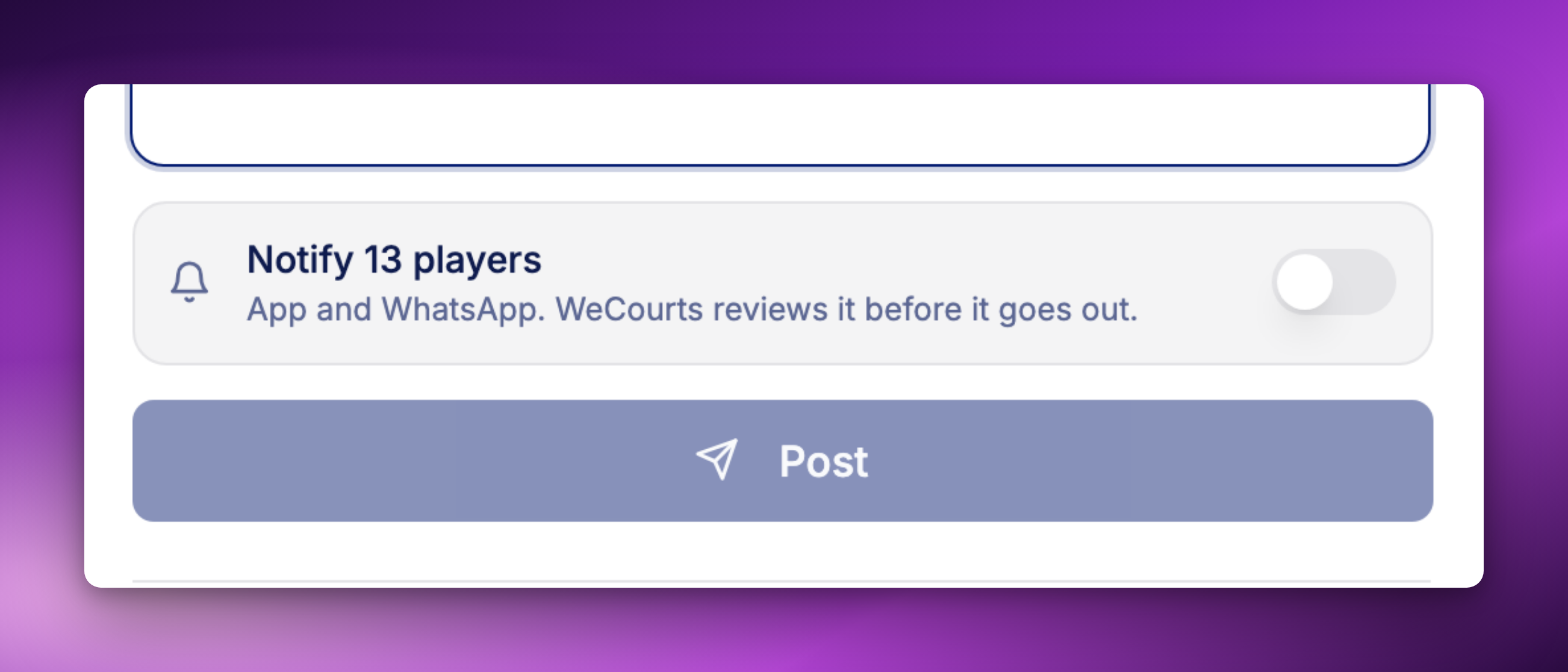
WhatsApp and the app, if you want them. The tournament page gets every update the moment you post it. The switch underneath is the separate question: should this one land on their phone too? Turn it on and it goes out on WhatsApp and as a push in the WeCourts app, and WeCourts checks the message before it leaves so a slip never reaches anyone. A cancellation, and a change to the level, category or prize, go out whether you flip it or not — that is what people entered for.
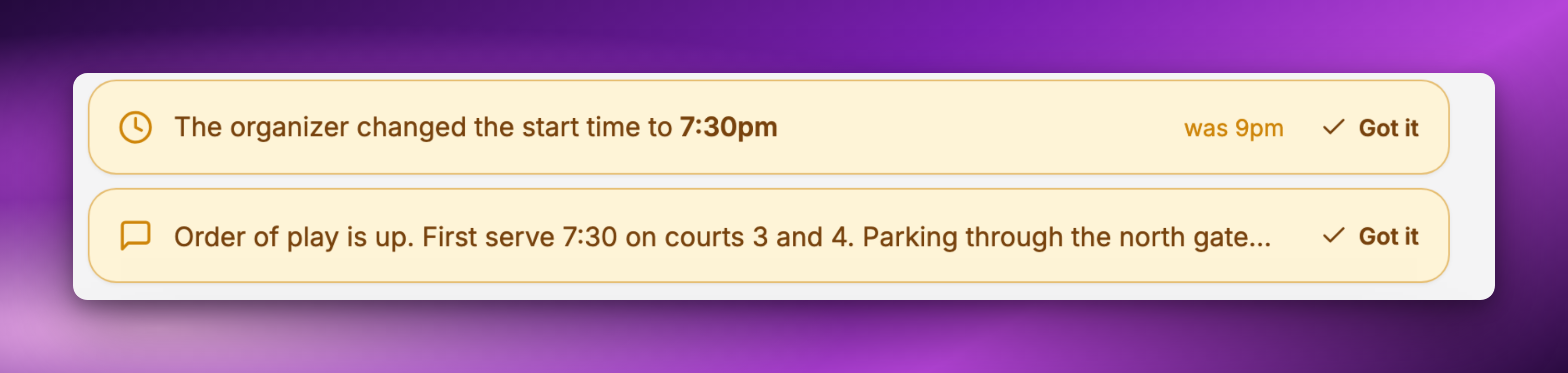
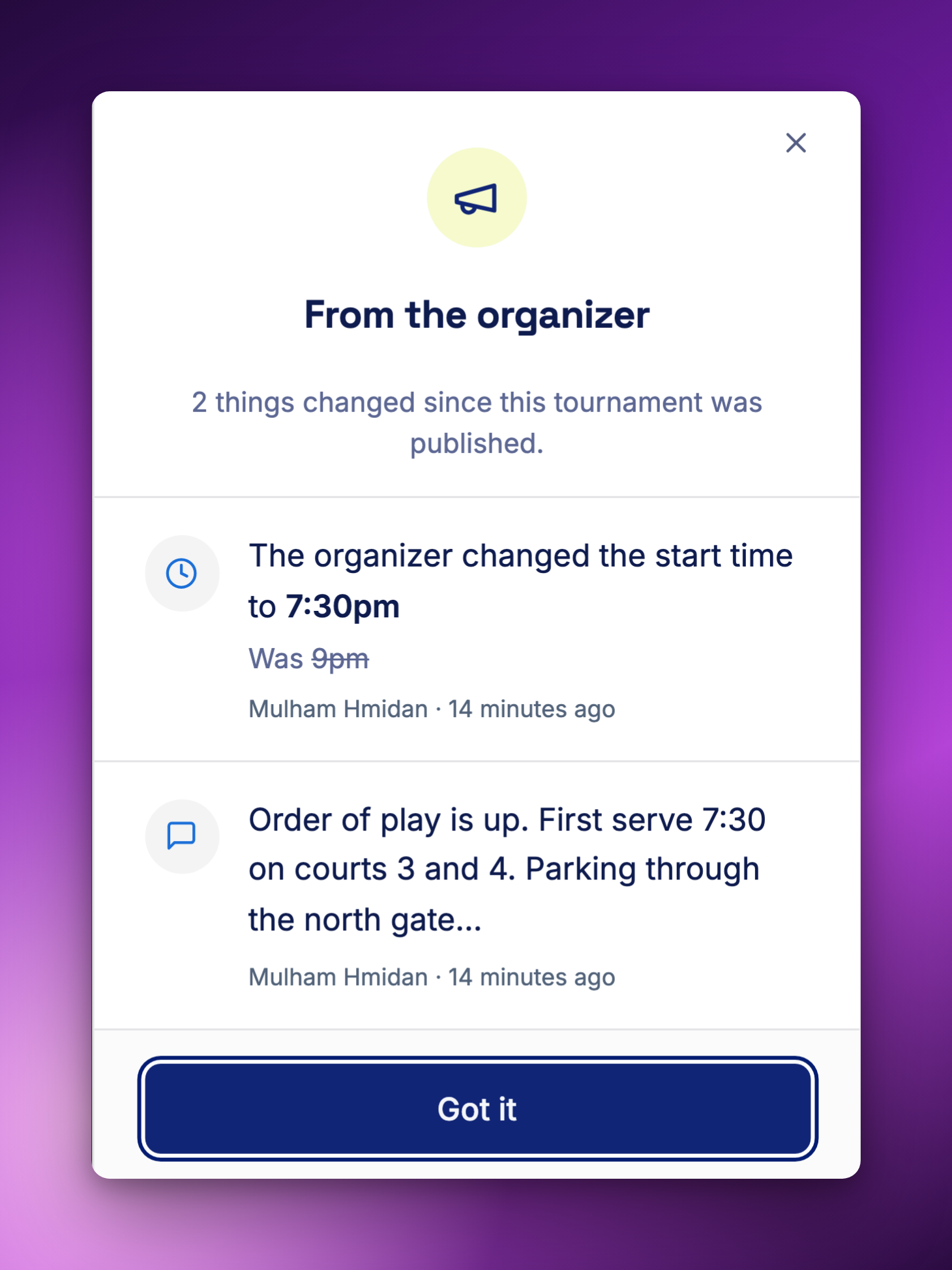
And they can't miss it. A player opening your tournament gets what they haven't seen yet as a pop-up, with the new value in bold and the old one struck through. After that it sits at the top of the page until they clear it.
It's a record, not a wall. A change and a cancellation are permanent: you can reword your own note, but nothing rewrites what your players were already told. A match works the same way, so calling one off reaches everyone who was on court for it.
How to do it:
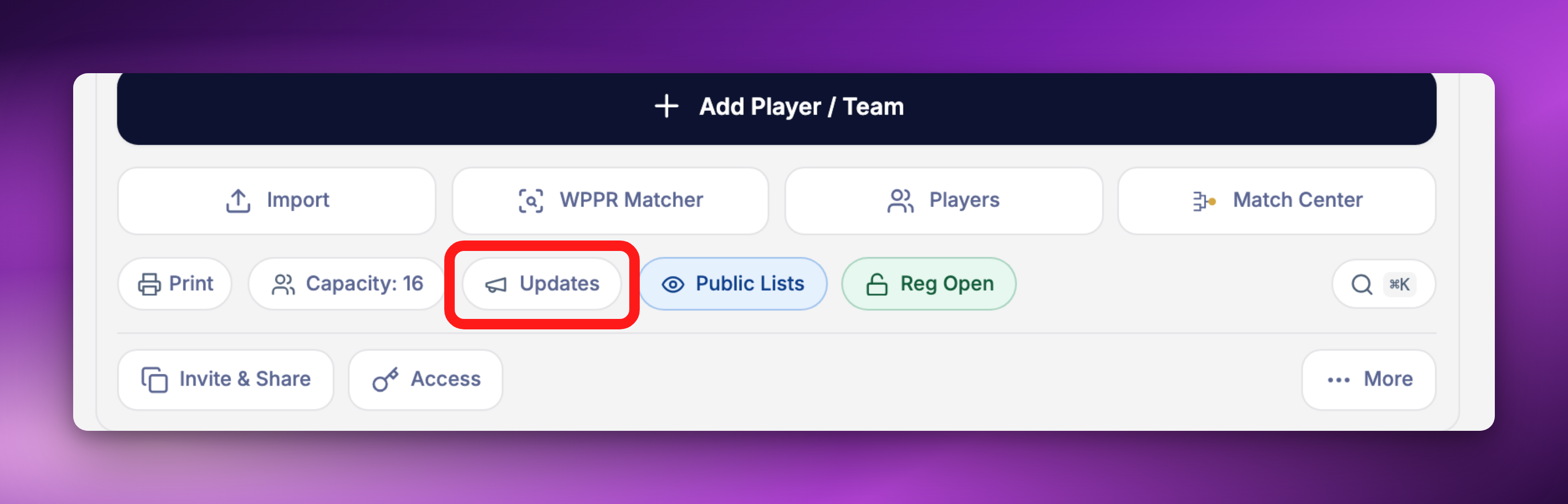
Open your tournament and tap Updates in the organizer bar.
Write what's happening. Attach the order of play if you have it.
Flip Notify players if it's worth a phone buzzing, then Post.
Publishing a draw and cancelling a tournament post their own updates too, so nobody has to be told twice.
Available now on every tournament. No setup.