July 30th, 2026
New
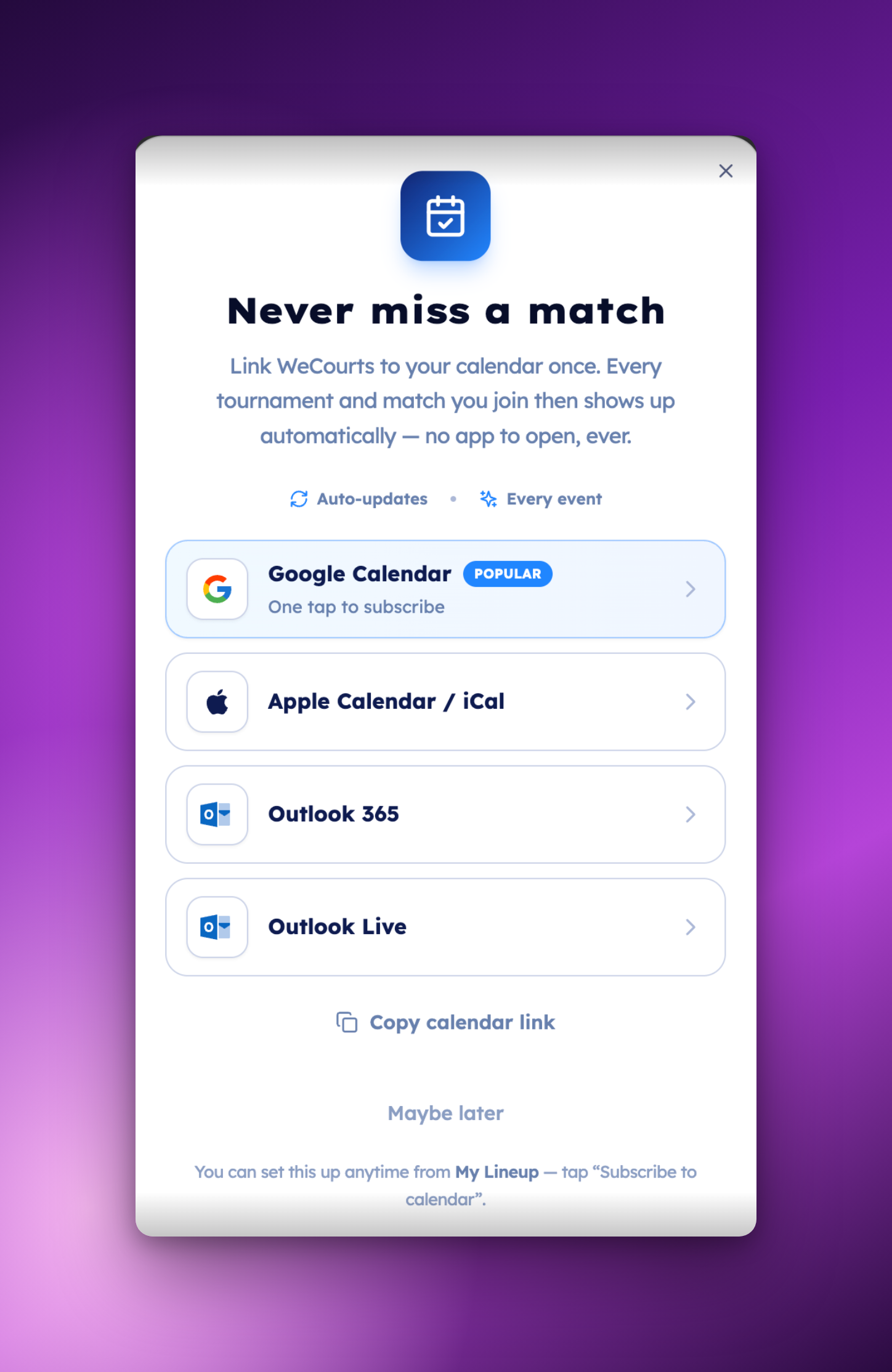
📅 Never miss a match; WeCourts in your own calendar
You can now link WeCourts to your own calendar, on the web and in the app. Every tournament and match you join appears automatically and stays up to date.
Subscribe once, and you’re done.
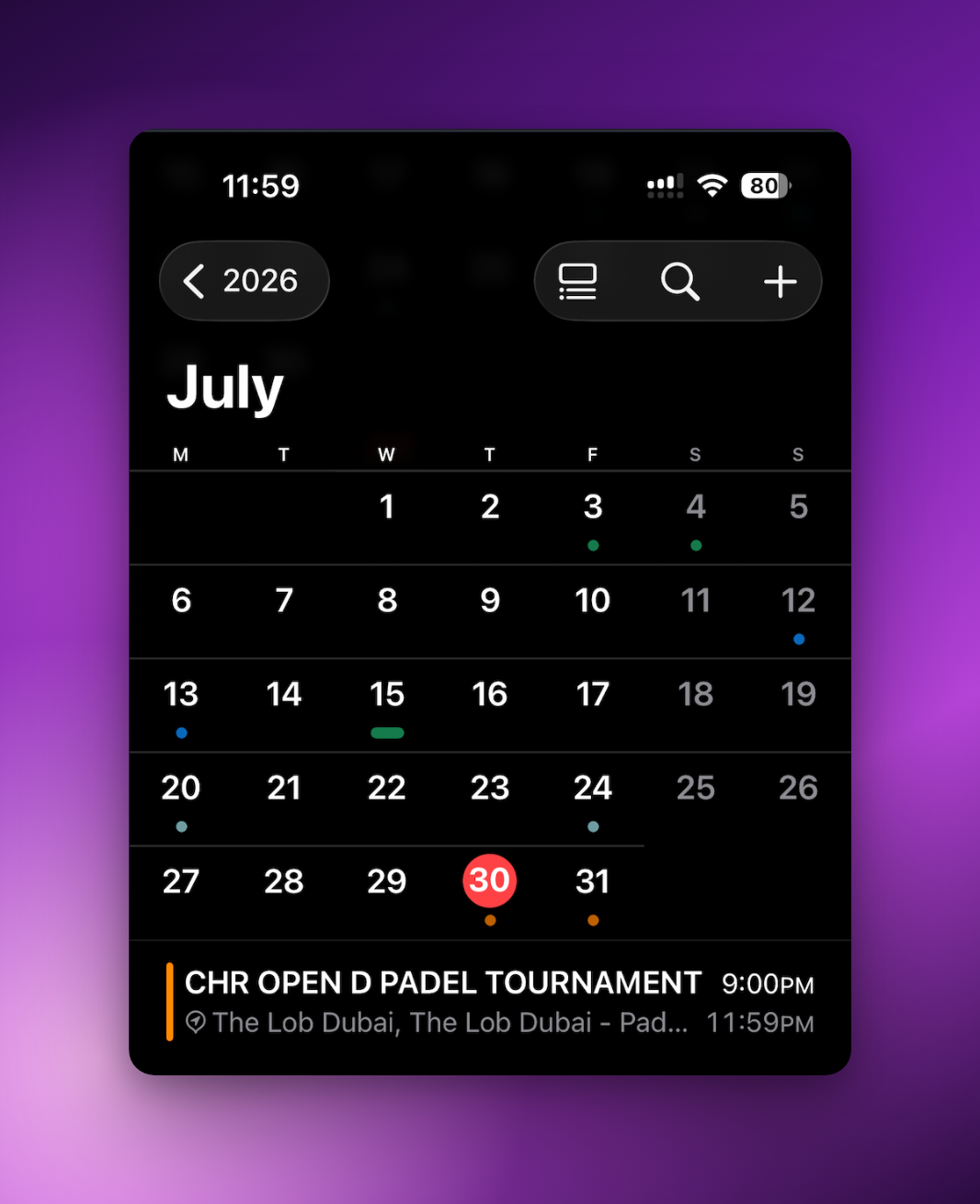
Join a tournament and it appears. The schedule changes and your calendar changes with it — nothing to re-import, nothing to add by hand.
In the app it’s one tap — it opens straight into your phone’s own calendar. Nothing to pick.
On the web, choose your calendar — Google Calendar, Apple Calendar / iCal, Outlook 365 or Outlook Live.
Anything else? Copy the calendar link and add it in any app that subscribes by URL.
Every event links back — open it in your calendar and you’re on the tournament page.
How to do it:
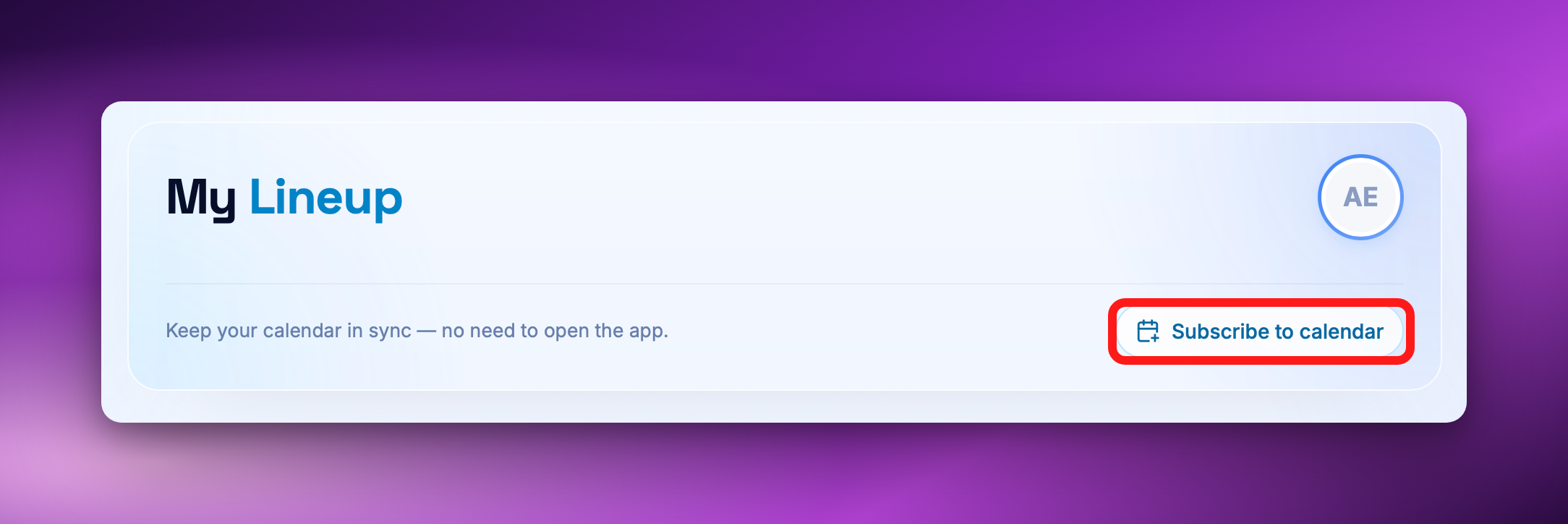
On the web, open My Lineup, click Subscribe to calendar and pick your calendar.
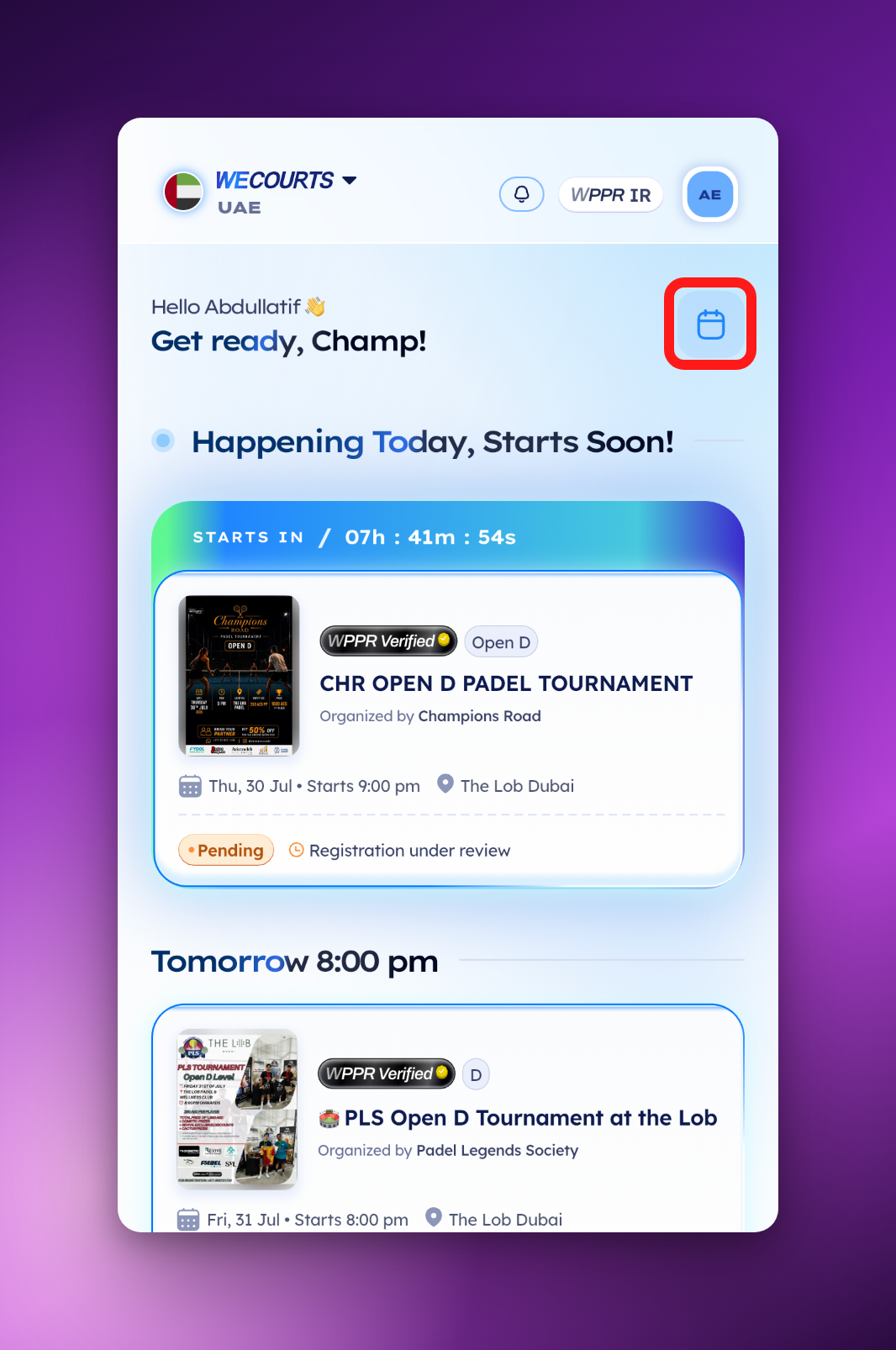
In the app, tap the calendar button on My Lineup, then Connect my calendar.
Available now for every player, on the web and in the app.
Look for Subscribe to calendar on My Lineup.